Answering 100+ technical questions in an Excel or CSV file manually takes days. With this agent skill, you can instruct your AI assistant to read the questions, query your company’s knowledge base for each one, and formulate perfect, sourced answers back into a CSV format.
What it does & who it’s for
This skill provides a programmatic template for sales and security teams who need to generate high-fidelity responses grounded in company truth.
- Key features:
- Automate bulk queries: The agent iterates through hundreds of questions autonomously.
- Grounded answers: Uses the Lookio RAG MCP to fetch answers from your documentation, eliminating hallucinations.
- Auto-formatting: The agent writes the output directly back to a CSV, saving you formatting time.
- Perfect for:
- Sales & proposal teams: Drafting RFP and RFI answers overnight.
- Security teams: Answering repetitive compliance questionnaires.
How to use it
You can adapt this skill to use either the Lookio CLI or the Lookio MCP Server.
- Create a new markdown file in your workspace named
rfp_responder.md. - Copy the rich skill prompt below into the file.
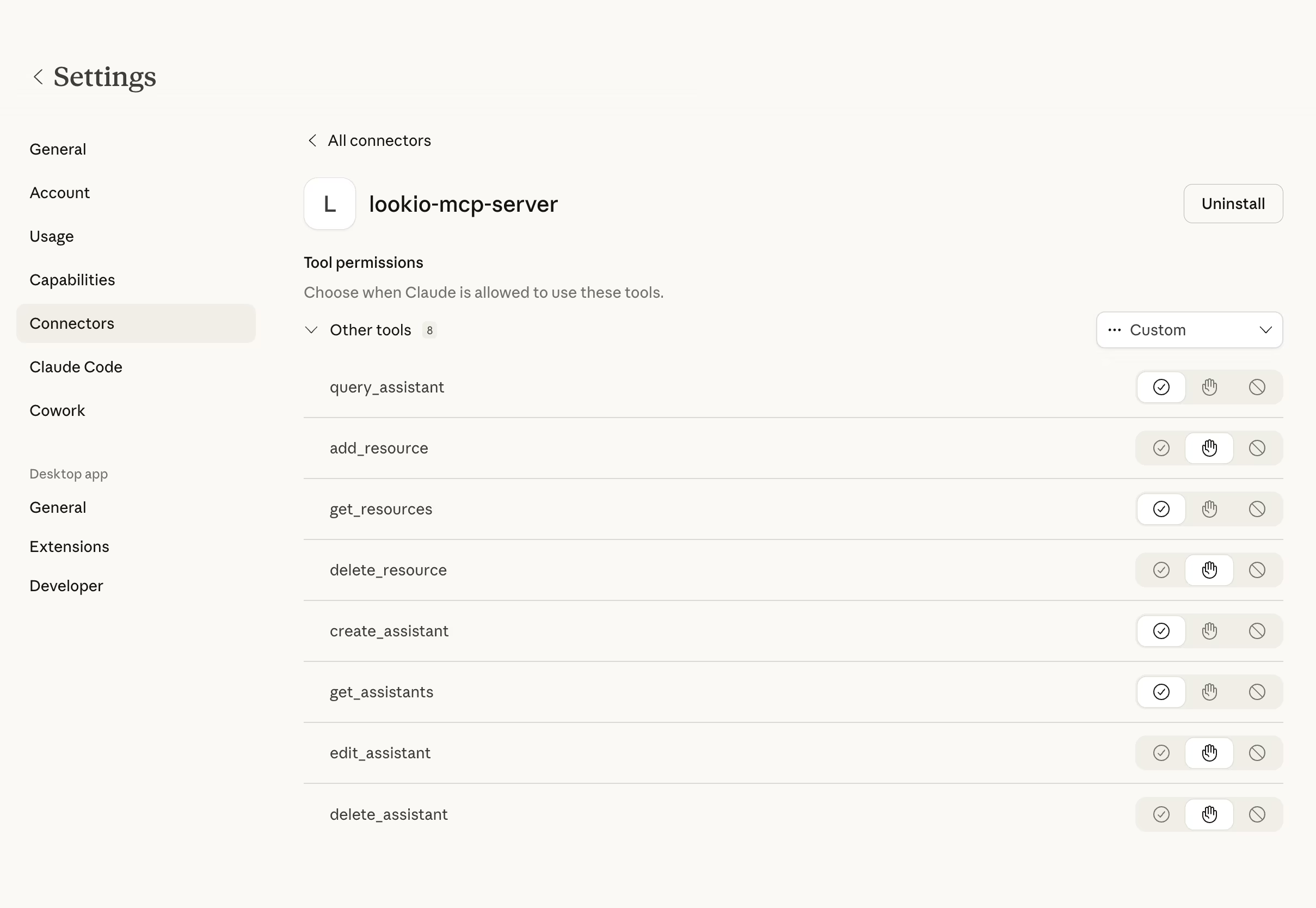
- Make sure your agent is connected to the Lookio MCP Server.
- Prompt your agent: “Use the @rfp_responder.md on questionnaire.csv to generate the answers using assistant [ID].”
The rich skill prompt (one-click copy)
Copy the block below and save it as your skill file.
# RFP & Questionnaire Responder Skill

## 🎯 Objective
Automate the retrieval of technical and security answers from Lookio to populate complex questionnaires ([CSV](https://lookio.app/product/csv-ai-assistants)/Excel) with zero hallucinations and full citations.

## 🛠️ Tools Required
- **Lookio MCP Server**: `query_assistant` tool must be enabled.
- **Lookio CLI**: (Optional) for local resource management.

## ⚡ Trigger Rules
- **USE this skill when**: You are given a structured file ([CSV](https://lookio.app/product/csv-ai-assistants)/JSON/Excel) containing specific technical, security, or product questions.
- **AVOID this skill if**: The user is asking a single ad-hoc question. In that case, use a standard query.

## 📝 Instructions & Workflow
1. **File Analysis**: Read the provided questionnaire. Identify the column containing the questions and the column where the answer should be written.
2. **Setup**: Confirm the `assistant_id` provided by the user. If none is provided, list available assistants and ask for clarification.
3. **Iterative Querying**: Loop through every question in the source file:
   - Call `query_assistant` with the question.
   - Use `query_mode: "flash"` for standard security questions.
   - Use `query_mode: "deep"` if the question involves complex architectural synthesis.
4. **Data Enrichment**: Map the retrieved `answer` and `sources` from Lookio into new columns in your internal data representation.
5. **Handling Gaps**: If Lookio returns "Not found" or implies uncertainty, mark the row as `REQUIRES_MANUAL_REVIEW`. Never guess.
6. **Execution**: Write the final dataset to a new file: `Lookio_Enriched_[SourceFilename].csv`.

## 🛡️ Guidelines & Constraints
- **Strict Sourcing**: Every answer must be derived from Lookio.
- **Formatting**: Maintain the exact original [CSV](https://lookio.app/product/csv-ai-assistants) structure; only add new columns.
- **Tone**: Keep responses professional, direct, and factual.