The challenge of legal information retrieval
When a senior associate or litigation specialist needs to find a specific clause across hundreds of past contracts, they hit a wall of manual friction. They know the answer exists within the firm's history, but finding the exact document involves digging through fragmented folders or relying on keyword-based searches that fail to capture legal nuance and context. This isn't just a minor technical annoyance; it is a significant drain on billable hours.
The daily cost of fragmented law firm intelligence
In the legal world, the cost of information silos is measured in SLA risks and expert interruptions. When junior staff cannot find a specific precedent or internal policy, they interrupt senior partners, creating a bottleneck that delays filing and increases operational overhead. Current manual workflows are getting worse as document volumes grow, leading to quality gaps where critical case law or internal research is missed under pressure.
Why the tools you've tried fall short
Most firms have attempted to solve this with standard internal wikis or generic AI, but these methods frequently collapse at scale:
- Keyword matching tools: Internal document management systems often rely on exact word matches. If you search for "termination rights" but the contract uses "cancellation provisions," the software misses it entirely.
- Generic AI (ChatGPT): While impressive, a generic LLM without grounded data is a liability in law. These models often hallucinate legal citations and lack access to your firm's private, proprietary research.
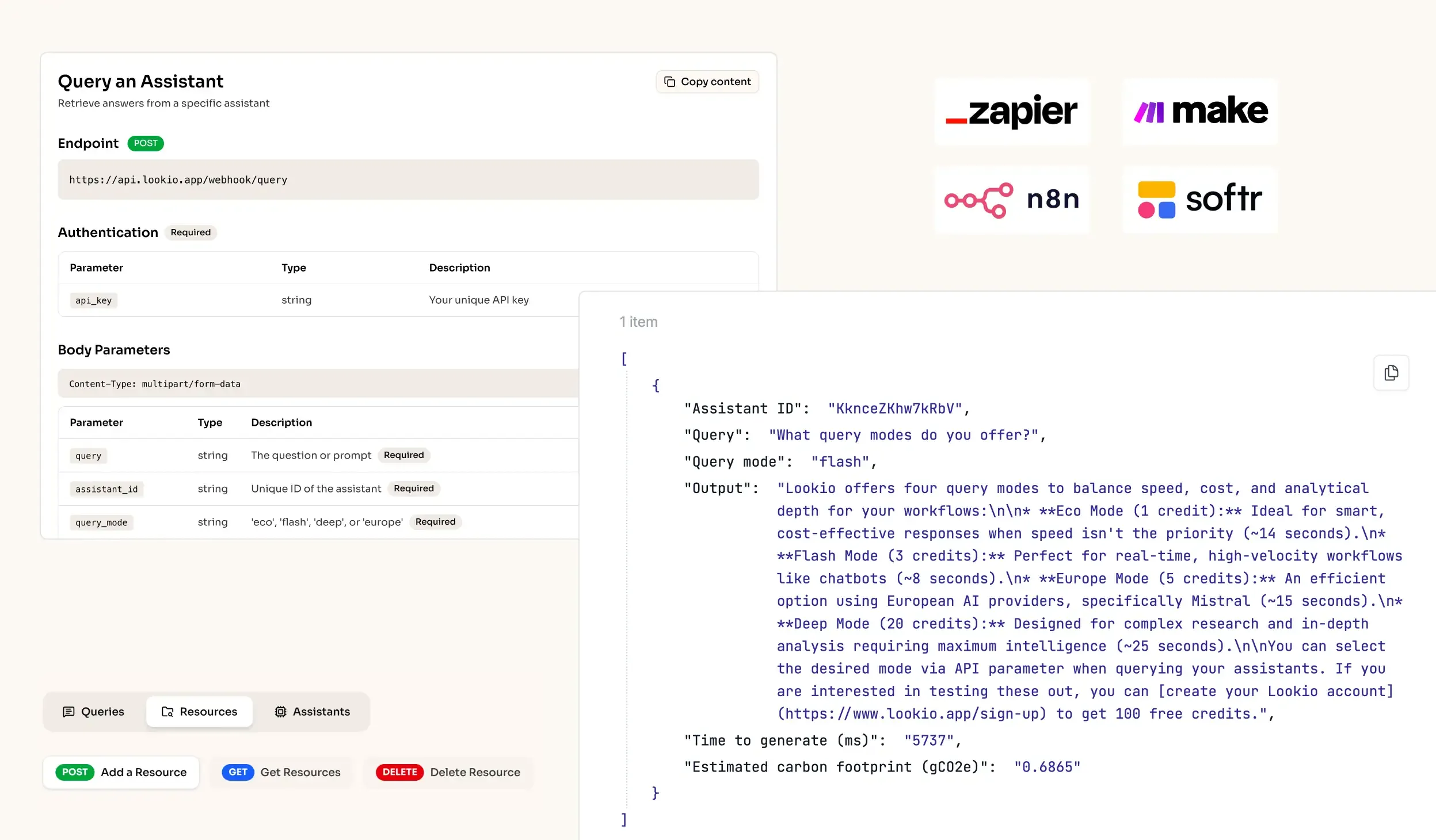
- No-API tools: Platforms like Google's NotebookLM are excellent for individual research but useless for enterprise-wide automation. Without an API, you cannot integrate legal retrieval into your firm's existing case management software or automated drafting tools.
What’s missing is a specialized way to bridge the gap between your private PDFs and the intelligence of AI, without sacrificing security or scalability.