The challenge of implementing AI for government agencies
When a public official or department head tries to deploy AI, they hit a wall of security and accuracy concerns that private sectors rarely face. In the public sector, the cost of a wrong answer isn't just a lost customer; it is a misinterpreted regulation, a failed compliance check, or a breach of public trust. Citizens expect immediate answers to complex questions, but manual retrieval from vast legislative archives or internal wikis is slow and prone to human error.
The daily cost of legacy information access
In many agencies, valuable knowledge remains locked in silos—scattered across PDFs, legacy databases, and internal Docx files. This leads to extreme support latency, where simple citizen inquiries take days to resolve as staff hunt for the correct policy. The SLA risk is high, and your most experienced experts are constantly interrupted by junior staff needing help navigating outdated file structures. As documentation grows, the system becomes more fragile, not more efficient.
Why the tools they've tried fall short
Government IT teams often experiment with basic solutions before realizing their limitations:
- Manual wikis and keyword search: These systems scale poorly. When an officer is under pressure, simple keyword matching fails to capture the nuance of legal language, leading to missed information.
- Generic AI (Public ChatGPT): These models hallucinate on local laws or specific agency policies. More importantly, they present a massive data privacy risk, as sensitive public data can be ingested into a training set. They lack the RAG architecture required for strict factual grounding.
- No-API tools like NotebookLM: While useful for an individual analyst, tools like NotebookLM are disconnected from the agency's tech stack. Without an API, you cannot build a support chatbot based on your docs or automate citizen workflows. They remain isolated toys rather than enterprise solutions.
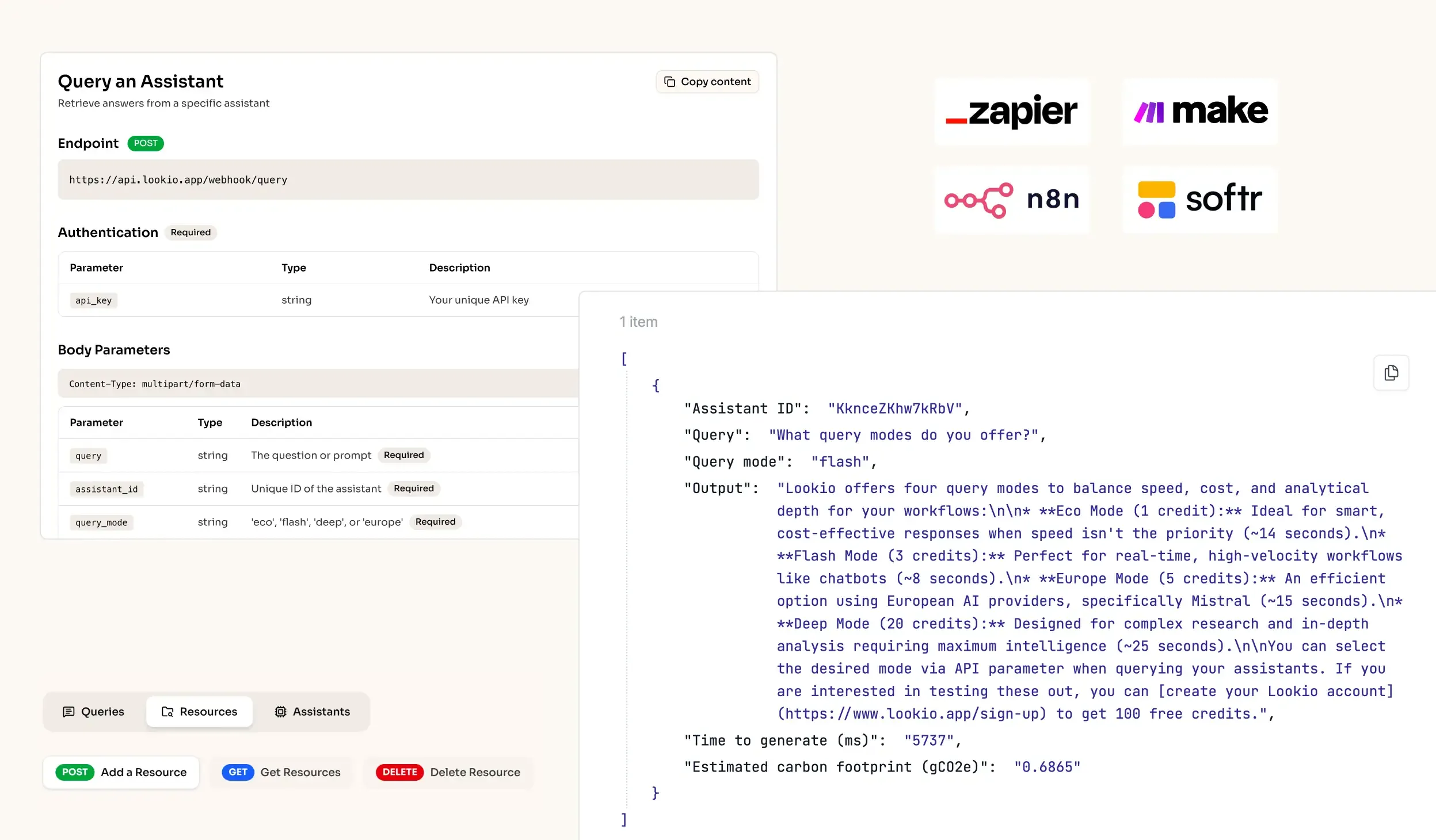
What's missing is a programmatic bridge that connects your verified documents to a secure AI engine.