The challenge of information silos in pharmaceutical companies
When a medical writer or regulatory affairs specialist tries to draft a submission or verify a safety profile, they hit a wall of disconnected data. Whether it is thousands of pages of clinical trial protocols, historical drug safety reports (DSURs), or shifting EMA and FDA guidelines, the information is rarely in one place.
The high cost of expert interruptions
In the pharmaceutical sector, the cost of searching for information isn't just measured in minutes; it is measured in SLA risks and patent timelines. When a marketing team needs to verify a claim for a new therapeutic, they often have to interrupt senior researchers or compliance officers. This creates a bottleneck where your most expensive talent becomes a human search engine. Without a central way to leverage company documentation, expertise remains trapped in PDFs that nobody has the time to read cover-to-cover.
Why the tools they've tried fall short
Most pharmaceutical teams have already experimented with basic digital solutions, only to find they fail under the weight of industry complexity:
- Standard document management systems: These rely on keyword matching. If you search for "adverse events" but the document uses "side effects," you might miss critical data. They simply don't understand the scientific context.
- Generic AI (ChatGPT): While impressive, generic LLMs are a liability in pharma. They hallucinate technical facts, cannot cite specific pages in your internal lab notes, and often present massive security risks for IP-sensitive data.
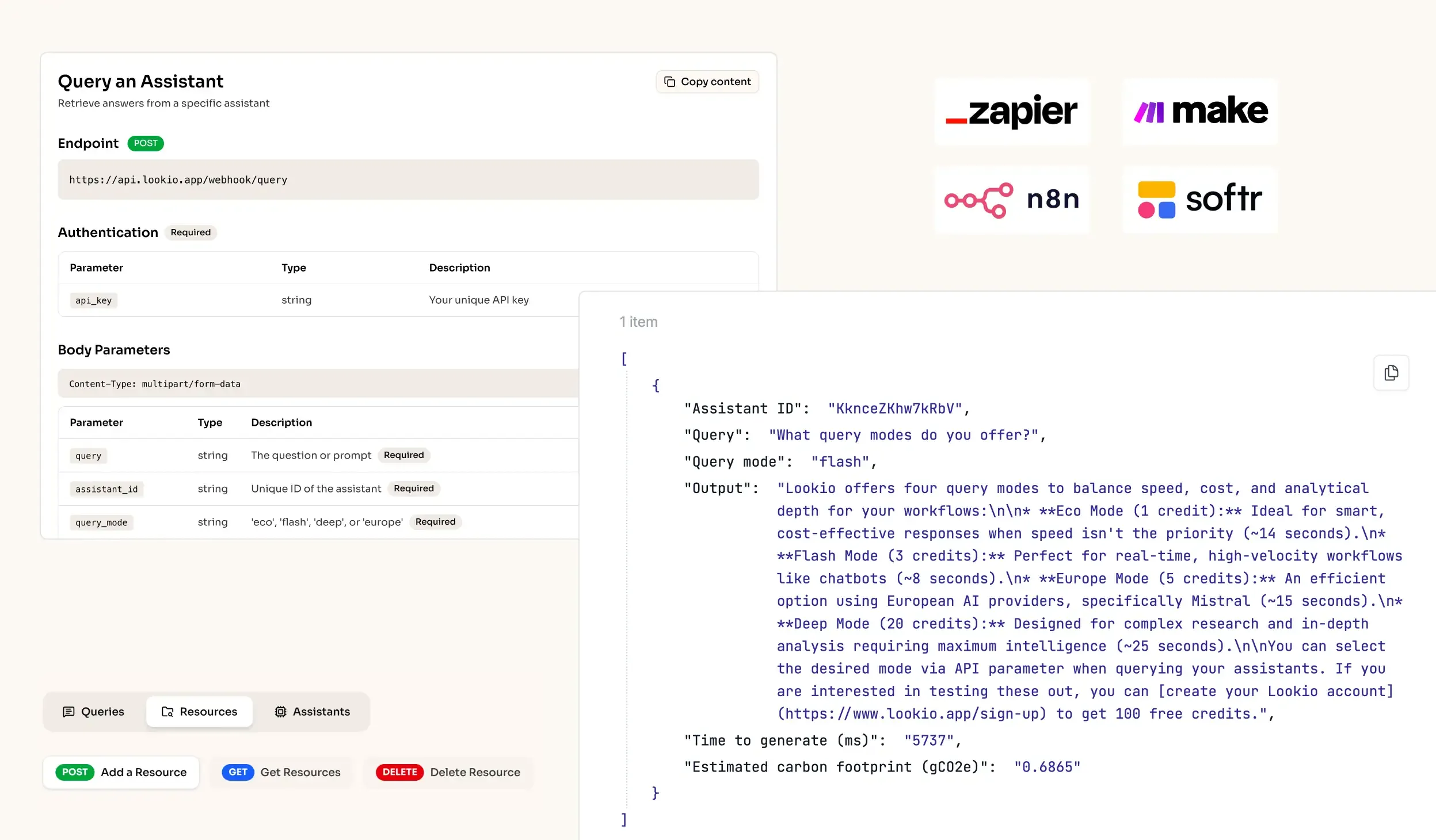
- No-API tools like NotebookLM: Google’s tool is excellent for personal research, but it lacks a programmatic API. In a business where you need to automate safety alerts or bulk-generate clinical summaries, a tool that only works in a standalone browser tab is useless for scaled operations.
What's missing is a way to bridge the gap between your secure document repository and the intelligence of an AI that strictly follows your specific protocols.