Developers
Pick your way into Lookio, the REST API, the TypeScript SDK, the MCP server or the CLI, with how they compare, how they authenticate, and where to start.
Your code can do everything the app does, through the REST API, the TypeScript SDK, the MCP server or the CLI. All four use the same objects, permissions and prices.
Choose your way in
| You want to… | Use | Start with |
|---|---|---|
| Call an assistant from your backend, in any language | REST API | REST API |
| Do the same from TypeScript or JavaScript, with types and streaming | SDK | TypeScript SDK |
| Let Claude, ChatGPT or Cursor read and manage your workspace | MCP server | MCP server |
| Script Lookio, run it in CI, or let a coding agent drive it | CLI | CLI |
| Plug Lookio into n8n, Make or Zapier | REST API from the automation tool | Integrations |
| Ask assistants someone shared with you | Access address | Call an access |
Two kinds of address
Your workspace
https://api.lookio.app/v1 and https://mcp.lookio.app/mcp.
Use an API key or a personal connection. Manage resources and assistants, ask questions, read logs.
An access
https://api.lookio.app/a/{access_id} and its /mcp.
Open to anyone with the address, or protected by an access key (ak_live_…) for each client. Callers can only ask the assistants it shares. See Call an access.
Authenticate
| Credential | Looks like | For | Get it |
|---|---|---|---|
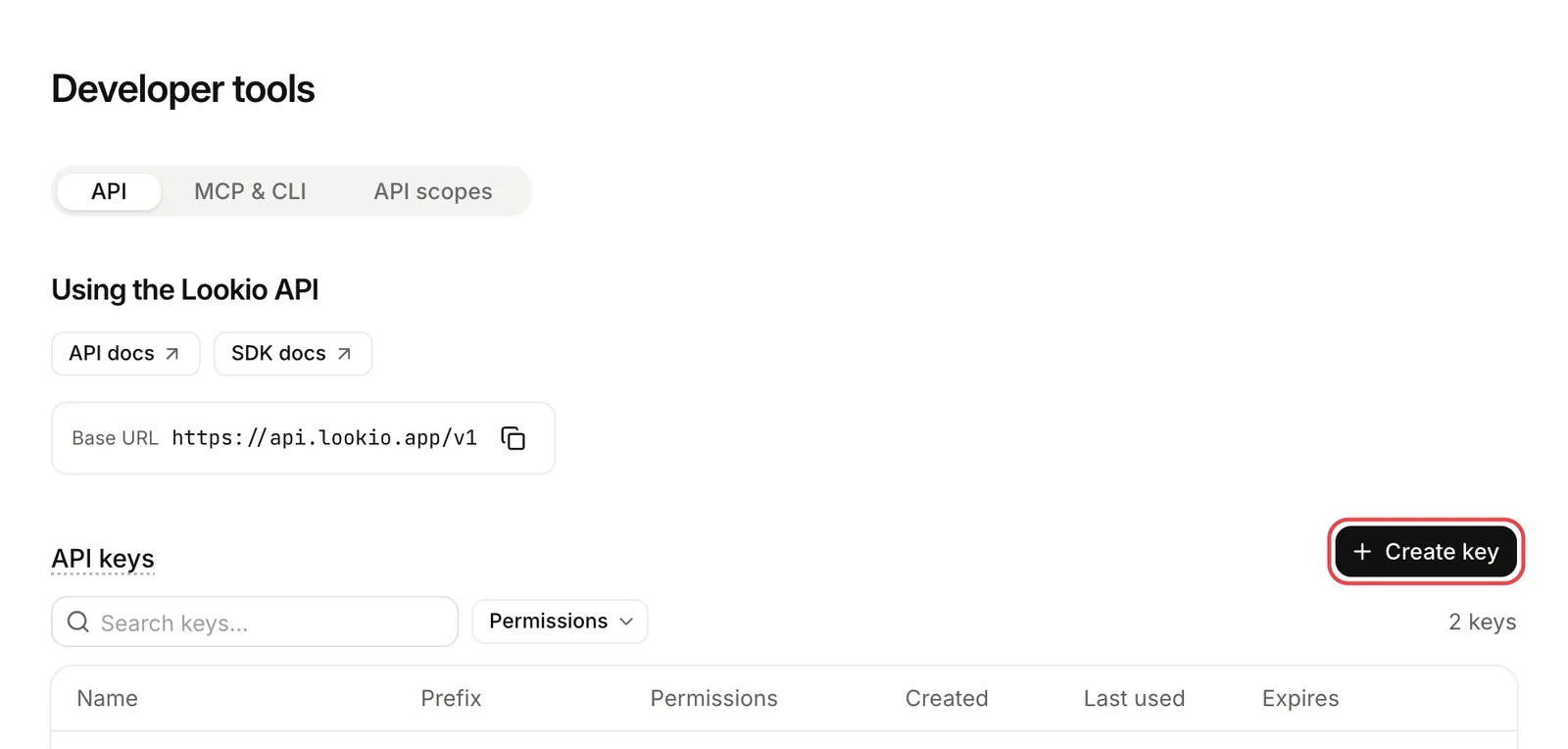
| API key | sk_live_… | Your product, servers, automations | Developer tools, then Create key. See API keys. |
| Personal connection | OAuth, in the browser | You, through the CLI or an MCP client | lookio auth login, or add the MCP server. See Authentication. |
| Access key | ak_live_… | People outside your workspace | The owner of an access. |
For a backend, use an API key. It does not depend on a person. Each key has scopes, such as resources:write or query, and can be limited to some assistants. See Authentication and scopes.
Your first call
curl https://api.lookio.app/v1/assistants/ASSISTANT_ID/query \
  -H "Authorization: Bearer $LOOKIO_API_KEY" \
  -H "Content-Type: application/json" \
  -H "Idempotency-Key: $(uuidgen)" \
  -d '{"question": "How do I issue a credit note?"}'
The API button on each assistant’s sheet gives this call, in curl, the CLI and JavaScript. For all the steps, see the Quickstart.
Rules that apply everywhere
Conventions
Ids, pagination with cursors, idempotency, dates.
Errors
One error shape, and every code with what to do.
Rate limits
How many calls, and how to wait.
Streaming
Show an answer while it is written.
Machine-readable
- OpenAPI document: every endpoint, parameter and error code.
- llms.txt and llms-full.txt: the whole documentation, for an AI agent.
- Every page is also served as Markdown: add
.mdto its address.