API
100 credits offered ยท No subscription needed

RAG API for AI assistants and workflows

Connect your custom Lookio Assistants to n8n, Make, or custom apps via a single API endpoint. Get precise, sourced answers from your documents without managing vector databases or embeddings.

Get started free

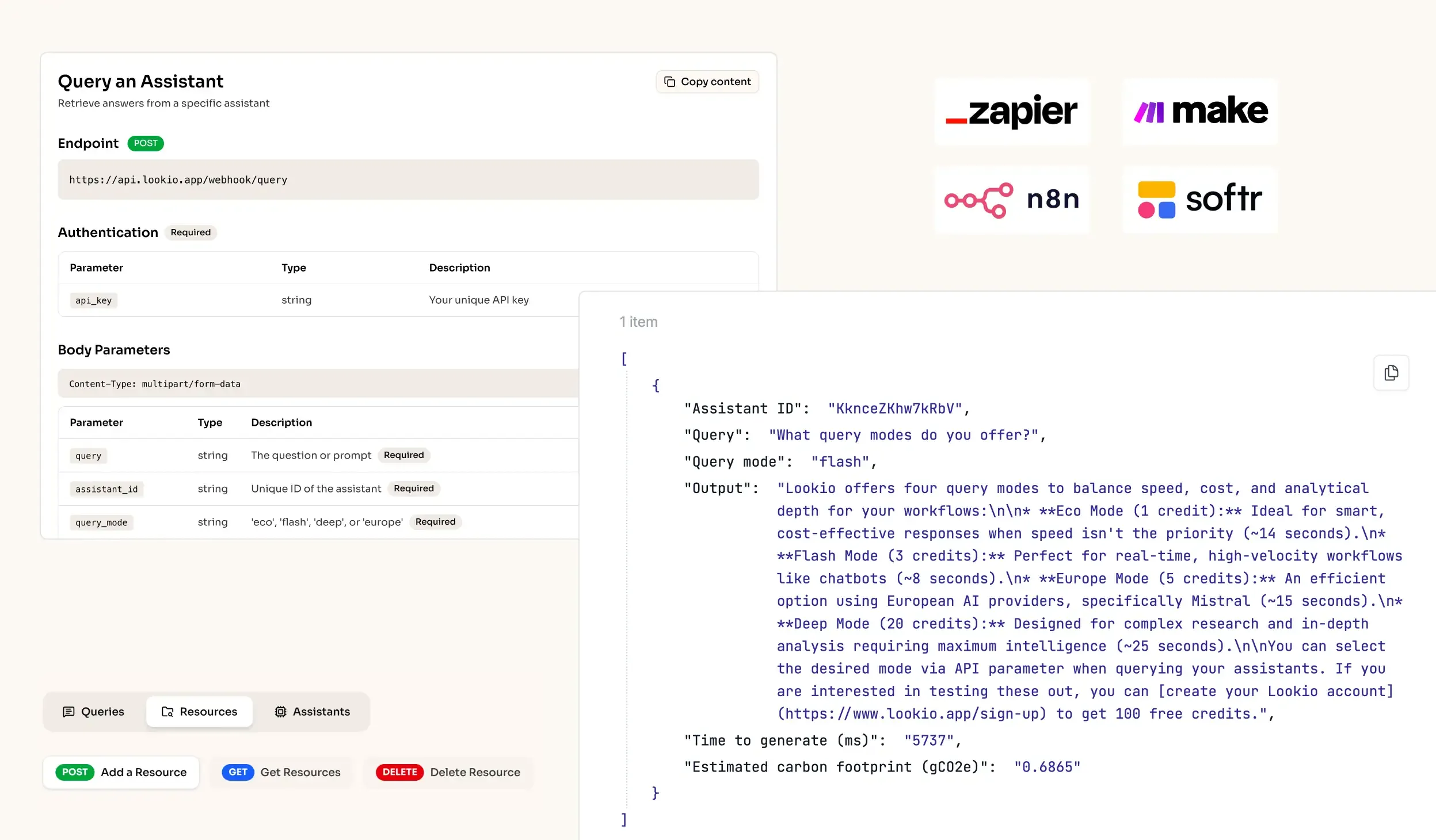
Lookio background
Lookio API integration interface for querying AI knowledge assistants

Built for practical knowledge retrieval

Query documents with a single API call

Skip the complex RAG infrastructure. Just upload your files to Lookio and use one endpoint to extract sourced answers.

Integrate with any workflow tool

Trigger Lookio Assistants from n8n, Make, or custom scripts to automate customer support, RFPs, and internal research.

Traceable, hallucination-free outputs

Every API response includes source metadata, ensuring your automations only use verified company knowledge.

Control your cost and speed

Choose from Eco, Flash, Europe, or Deep processing modes depending on the intelligence and speed your workflow requires.

Skip the RAG infrastructure setup

Upload documents, set custom instructions, and get an API-ready expert in minutes.

No vector databases to manage.

Automatic chunking and embeddings.

One endpoint to rule them all.
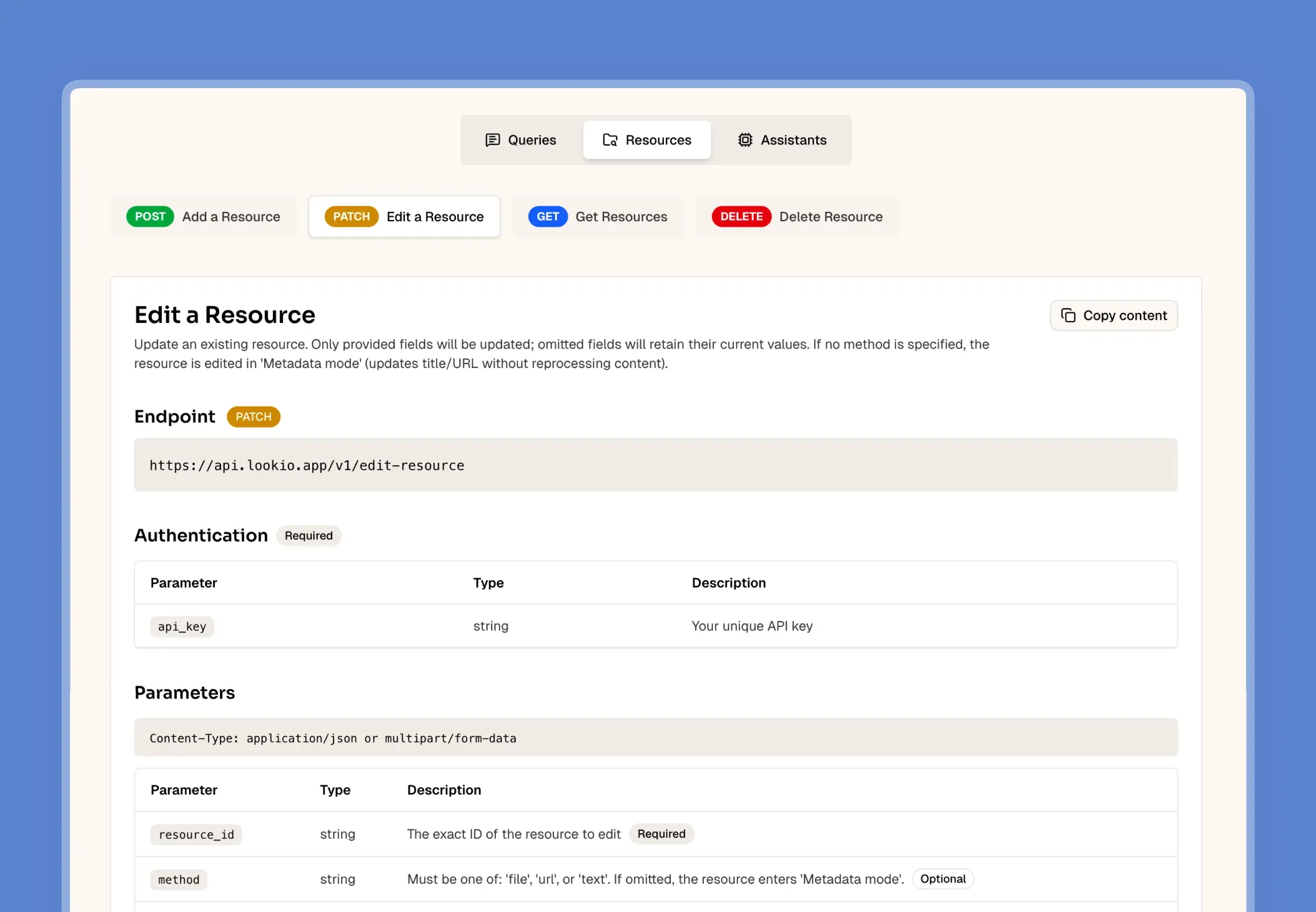
Skip the RAG infrastructure setup

Automate complex knowledge tasks

Use Lookio as the brain inside your n8n or Make workflows.

Draft support replies automatically.

Extract data from dense PDFs.

Generate content based on guidelines.
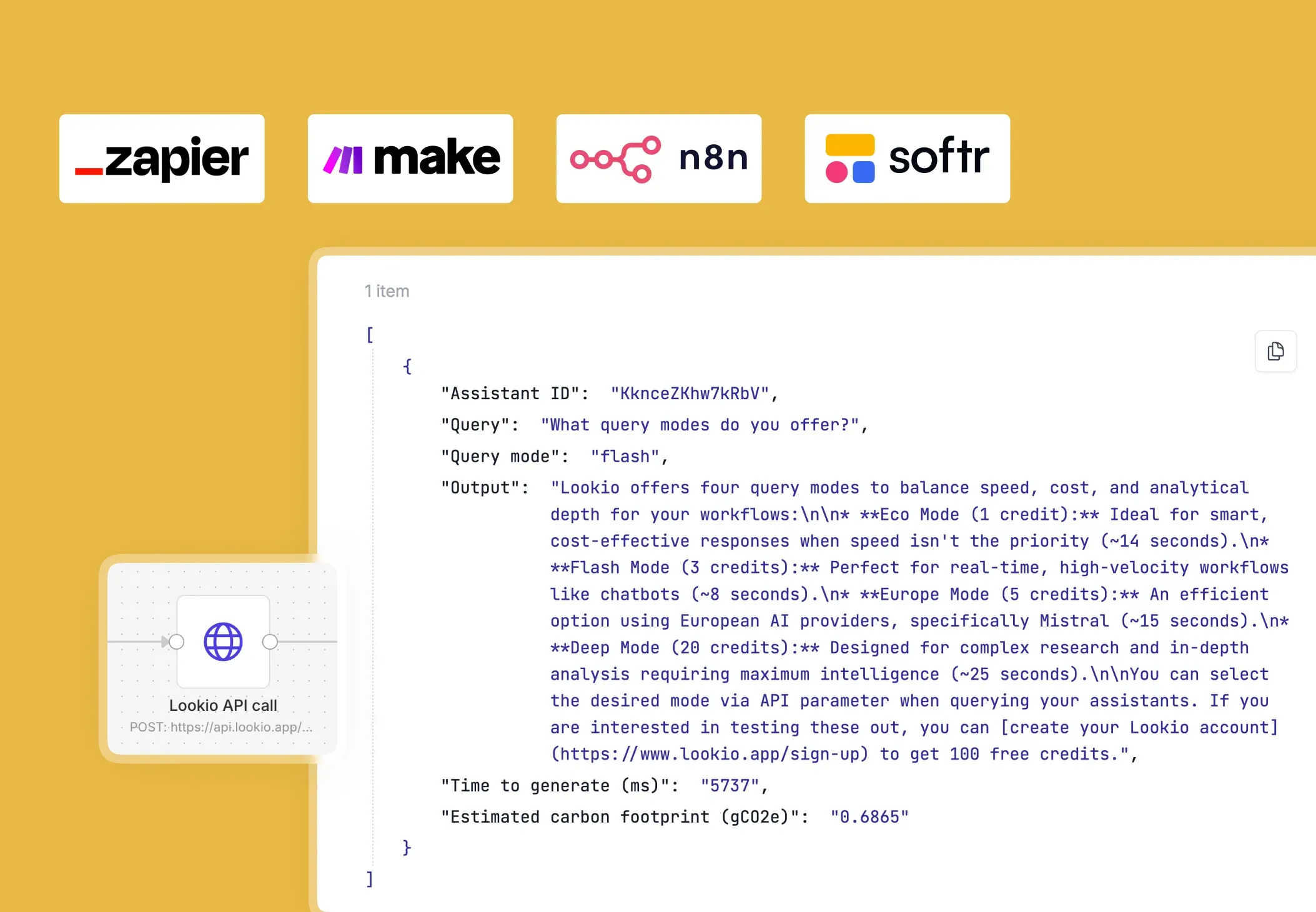
Automate complex knowledge tasks

Scale your operations safely

Ground every automated action in your verified company data.

Eliminate LLM hallucinations.

Keep data secure and GDPR compliant.

Track exact sources for every answer.
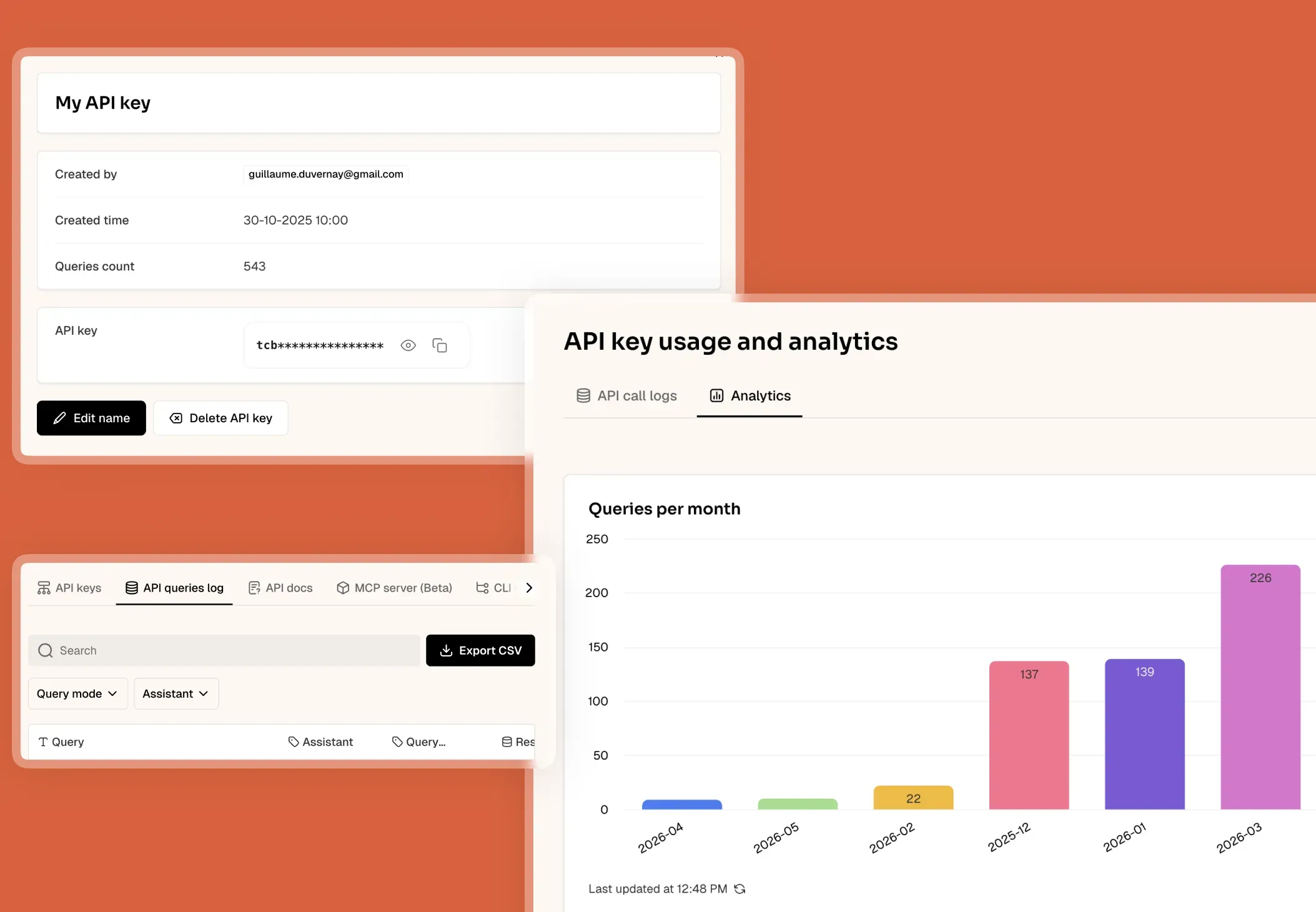
Scale your operations safely

Frequently Asked Questions about the Lookio API

How does the Lookio API compare to building my own RAG pipeline?

Building a RAG (Retrieval-Augmented Generation) pipeline requires managing document chunking, embeddings, vector databases, and complex LLM orchestration. The Lookio API abstracts this entire infrastructure. You simply upload your files via the dashboard or API, and query the endpoint to receive highly accurate, sourced answers instantly.

What can I build with the Lookio API?

The Lookio API is designed for automation and integration. Popular use cases include routing automated customer support workflows in n8n, building dynamic RFP response systems, creating internal company knowledge portals, and enriching custom backend applications with proprietary data.

Can I use the Lookio API with no-code tools like n8n, Make, or Zapier?

Yes. The Lookio REST API is built for seamless integration with automation platforms. We provide straightforward JSON responses, making it easy to call a Lookio Assistant from n8n, Make (Integromat), Zapier, or any custom software stack.

How does Lookio prevent AI hallucinations?

Lookio enforces strict grounding. When you query an Assistant via the API, the system only synthesizes answers based on the specific documents (PDFs, URLs, text) attached to that Assistant. Every API response also includes source metadata, giving you complete traceability.

Which query mode should I use for my API workflows?

Lookio offers four distinct API query modes: Eco (best for cost-effective, large-scale batch processing), Flash (optimized for fast, real-time routine workflows), Europe (100% sovereign European processing using Mistral), and Deep (designed for complex, multi-step research tasks).

Is the Lookio API secure and GDPR compliant?

Absolutely. The Lookio platform and API are fully GDPR-compliant by design. Your data remains private, is encrypted at rest and in transit, and is never used to train public foundational models.

100 welcome credits - no credit card required

Ready to connect your company knowledge?

Create a free account →