The challenge of maintaining developer-friendly API documentation
When a developer tries to integrate your API, they hit an immediate wall if the documentation is static, outdated, or lacks clear context. They spend hours digging through nested JSON objects or outdated [PDF](https://lookio.app/product/pdf-ai-assistants) tutorials just to find a single authentication header requirement. This friction doesn't just annoy users; it creates a heavy support burden on your engineering team, who find themselves answering the same basic questions over and over again.
The daily cost of document friction
The real impact is a slow-moving integration pipeline. When documentation is difficult to navigate, developers often skip the research phase and head straight to your support channel or Slack community. This leads to SLA risks, interrupted development sprints, and a lower developer satisfaction score. If your technical docs are locked in separate wikis, GitHub repos, and CMS platforms, the lack of a single source of truth makes it impossible for developers to self-serve effectively.
Why the tools they've tried fall short
Most teams have already attempted to fix this with basic search tools or popular AI hacks, only to find they lack the precision required for technical documentation:
- Keyword-based search: Standard documentation search relies on exact keyword matching. If a developer searches for "rate limits" but your doc calls it "throttling," they find nothing.
- Generic LLMs (ChatGPT): While impressive, a Custom GPT alternative lacks the specific, private context of your internal API versions. It will hallucinate old endpoints or invent parameters that don't exist, leading to broken code.
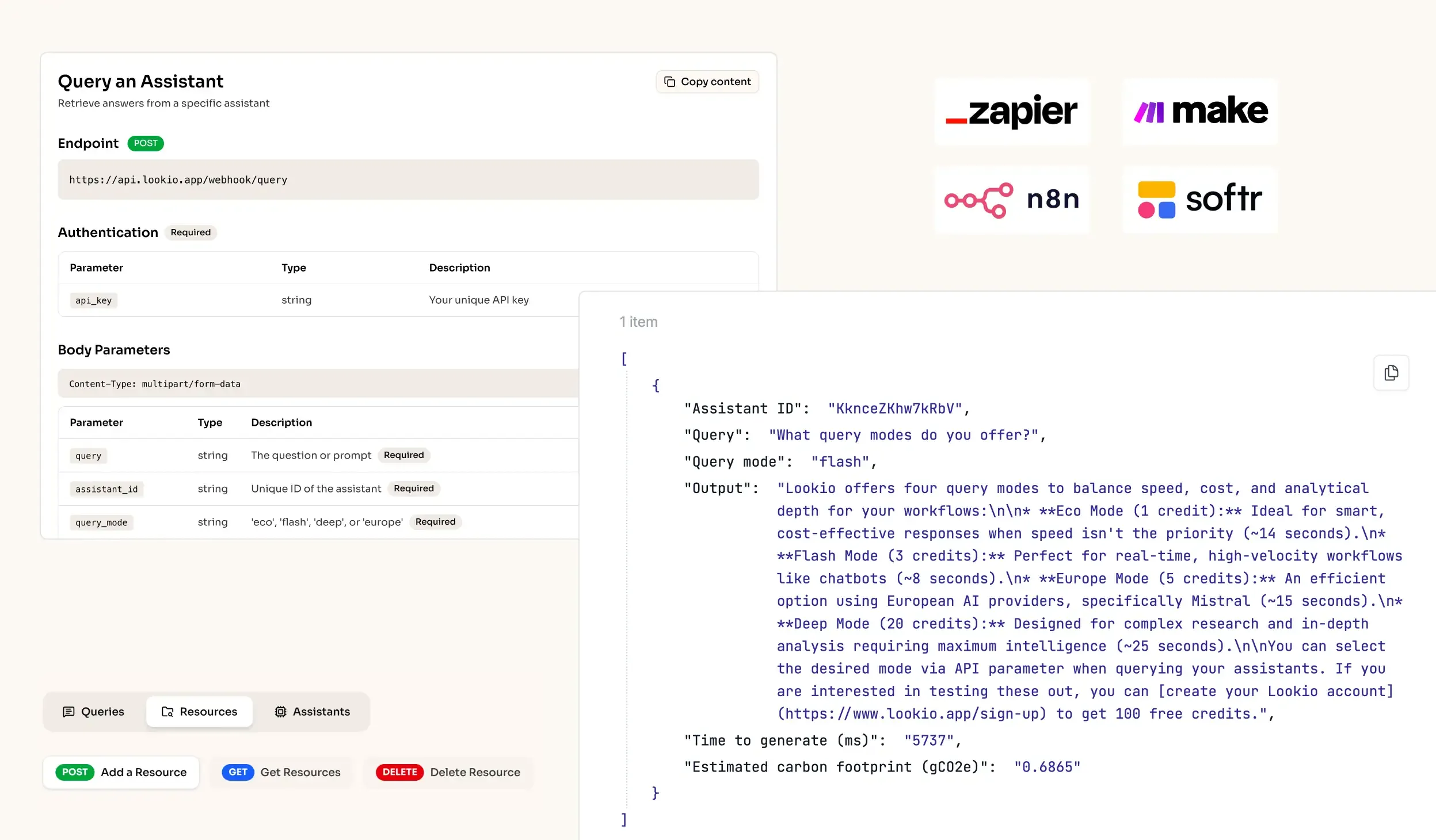
- No-API tools like NotebookLM: While Google's tool offers decent retrieval, the total absence of a NotebookLM API means you cannot embed the intelligence into your developer portal or automate it inside your CLI tools.
What's missing is a way to bridge the gap between static documentation and live, programmatic knowledge retrieval.