Turn CSVs into AI assistants
Upload complex spreadsheets, product catalogs, and structured tables, and let your team query them instantly using natural language.
Get started free
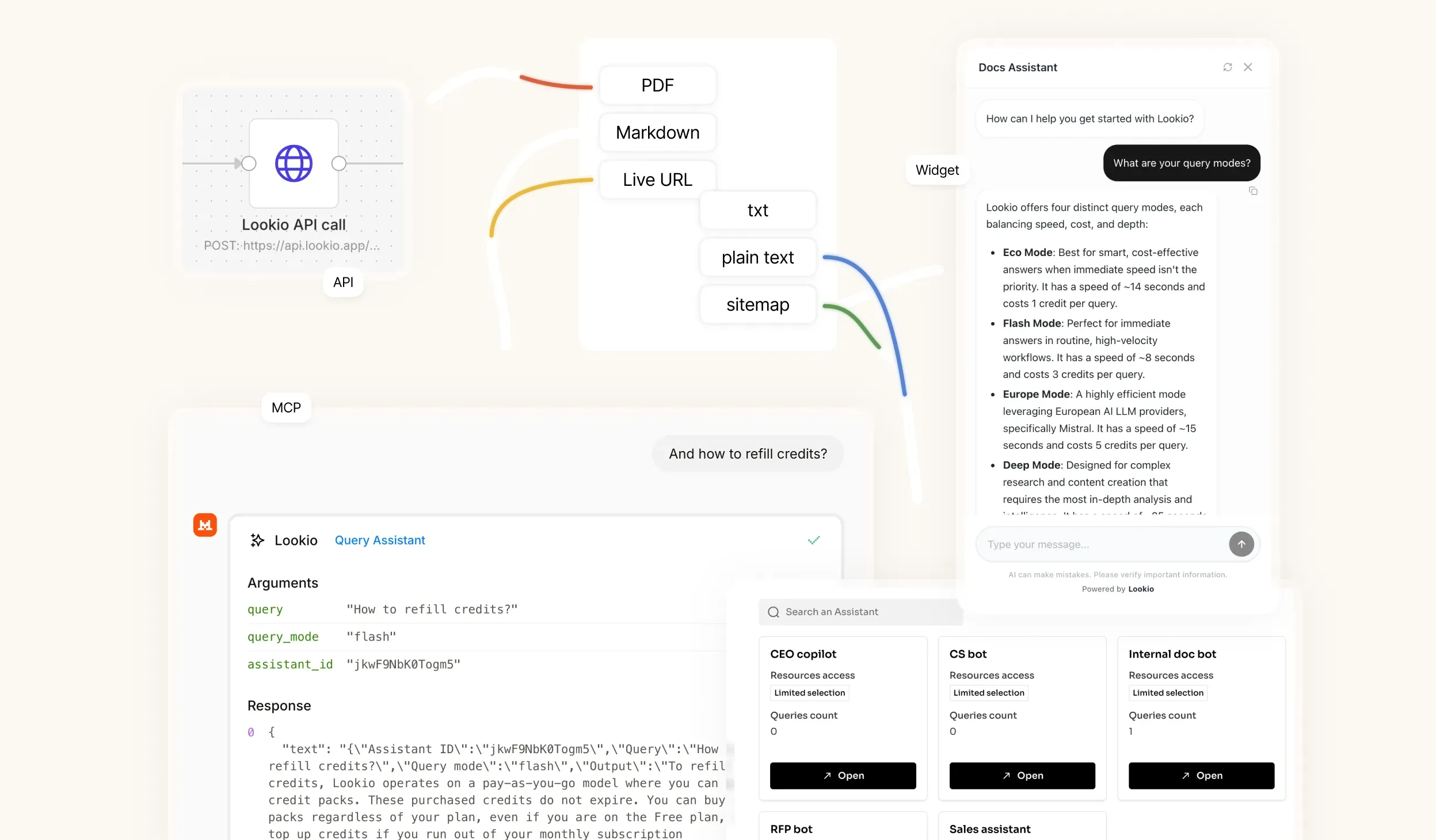
Built for practical knowledge retrieval
Query structured knowledge
Make CSV rows easier to explore without filtering manually.
Great for reference data
Use product lists, FAQ banks, exports, and lookup tables.
Works in automations
Use CSV-backed answers in support and operations flows.
Same Assistant controls
Combine CSVs with PDFs, URLs, and text resources.
Make tabular knowledge conversational
Stop forcing your team to manually filter through thousands of rows. Let them ask natural language questions and extract exactly what they need.
Upload massive CSV resources effortlessly.
Extract specific rows via natural-language queries.
Eliminate manual data hunting and VLOOKUPs.
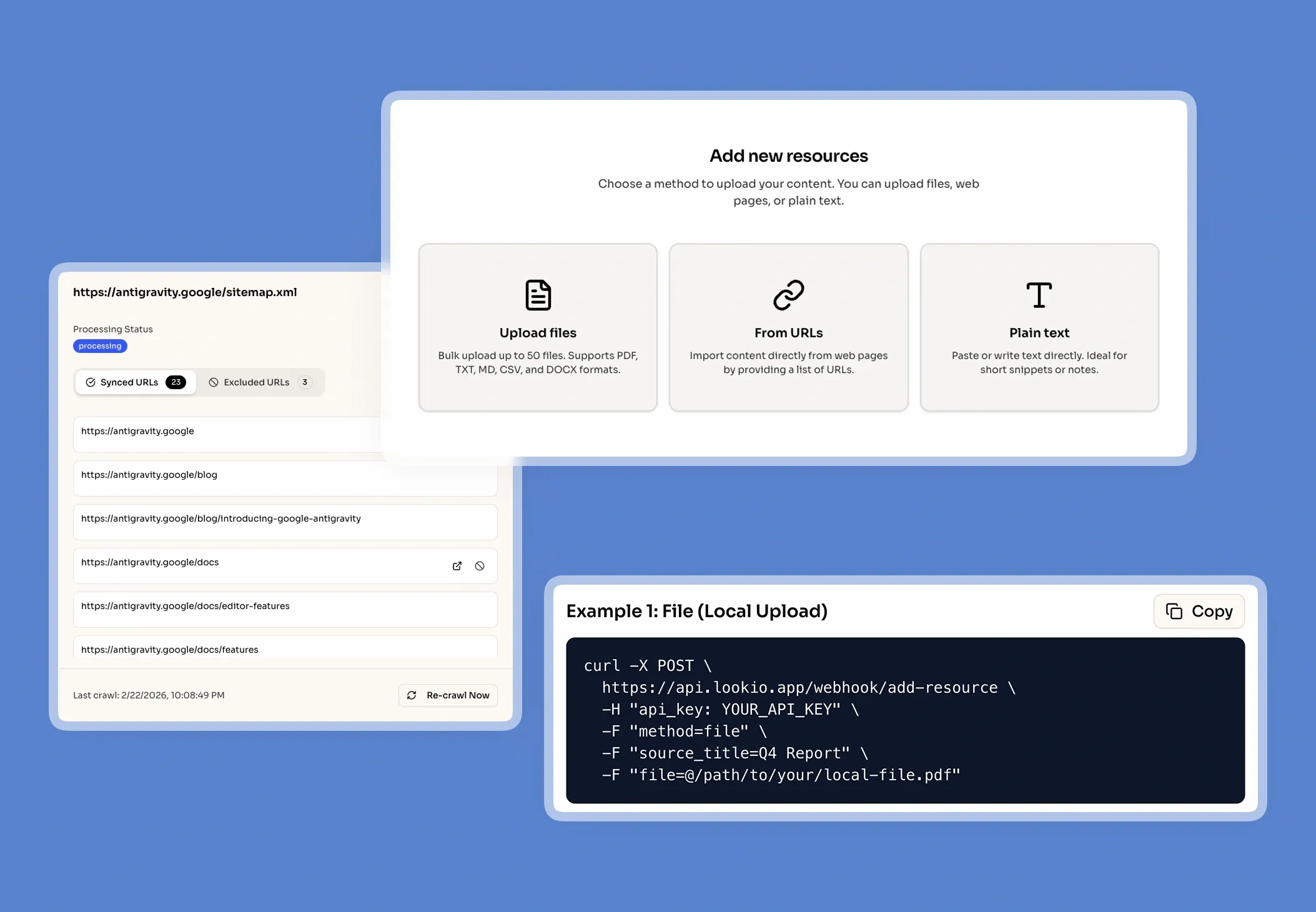
Mix structured and unstructured data
Break down data silos by combining your tabular CSV exports with your unstructured documentation.
Sync CSVs alongside PDFs and URLs.
Maintain strict Assistant scoping and permissions.
Deliver highly focused, cross-referenced answers.
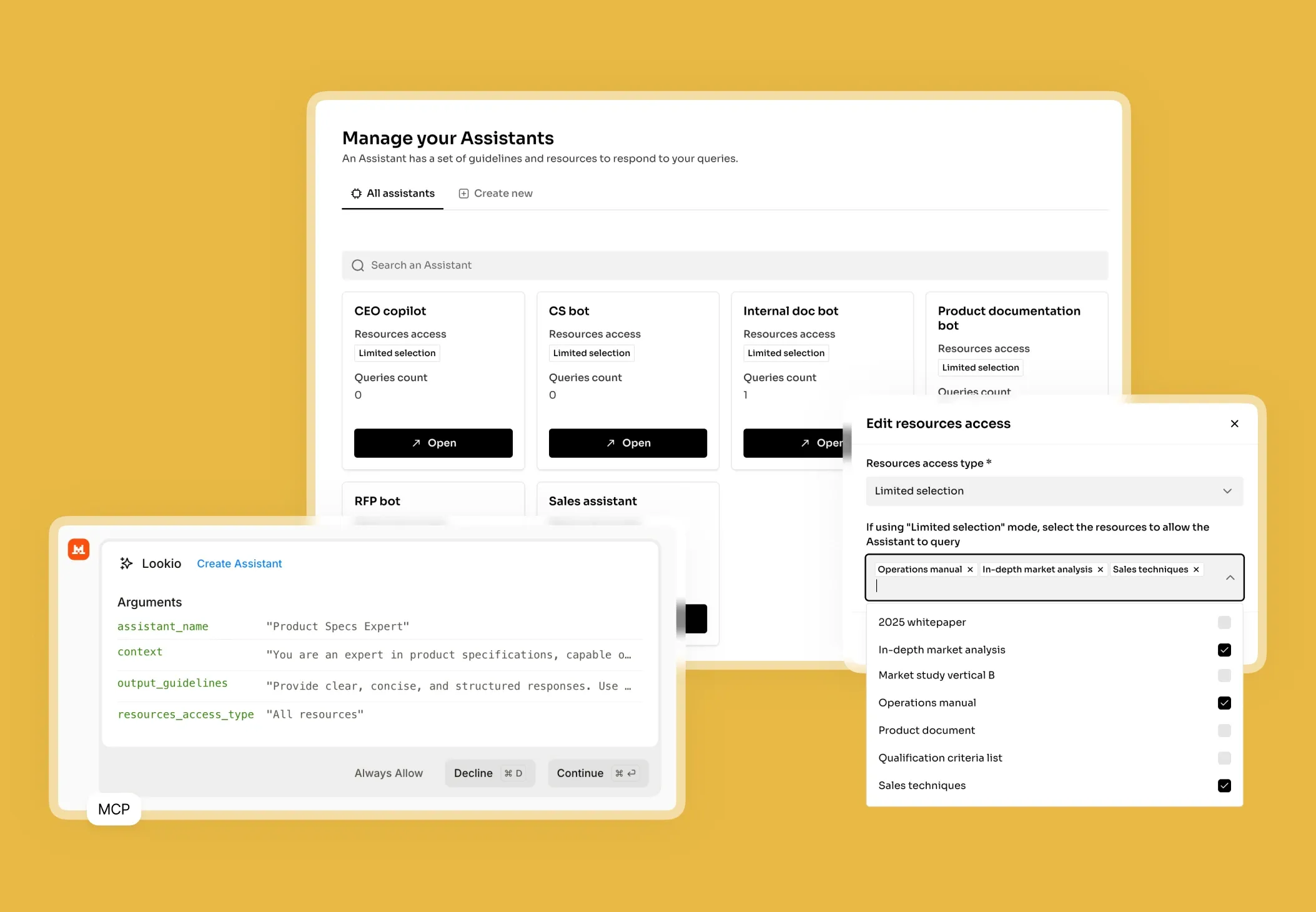
Deploy CSV context in backend workflows
Turn static spreadsheets into dynamic data sources for your backend automations and support systems.
Answer complex product catalog questions instantly.
Retrieve specific policy rows for compliance checks.
Enrich automated support replies with real data.
Frequently Asked Questions about CSV AI Assistants
How does Lookio turn CSV files into AI assistants?
What types of CSV data work best for AI retrieval?
Is a Lookio CSV Assistant a replacement for a SQL database?
Can I combine CSV files with PDFs or webpages in the same Assistant?
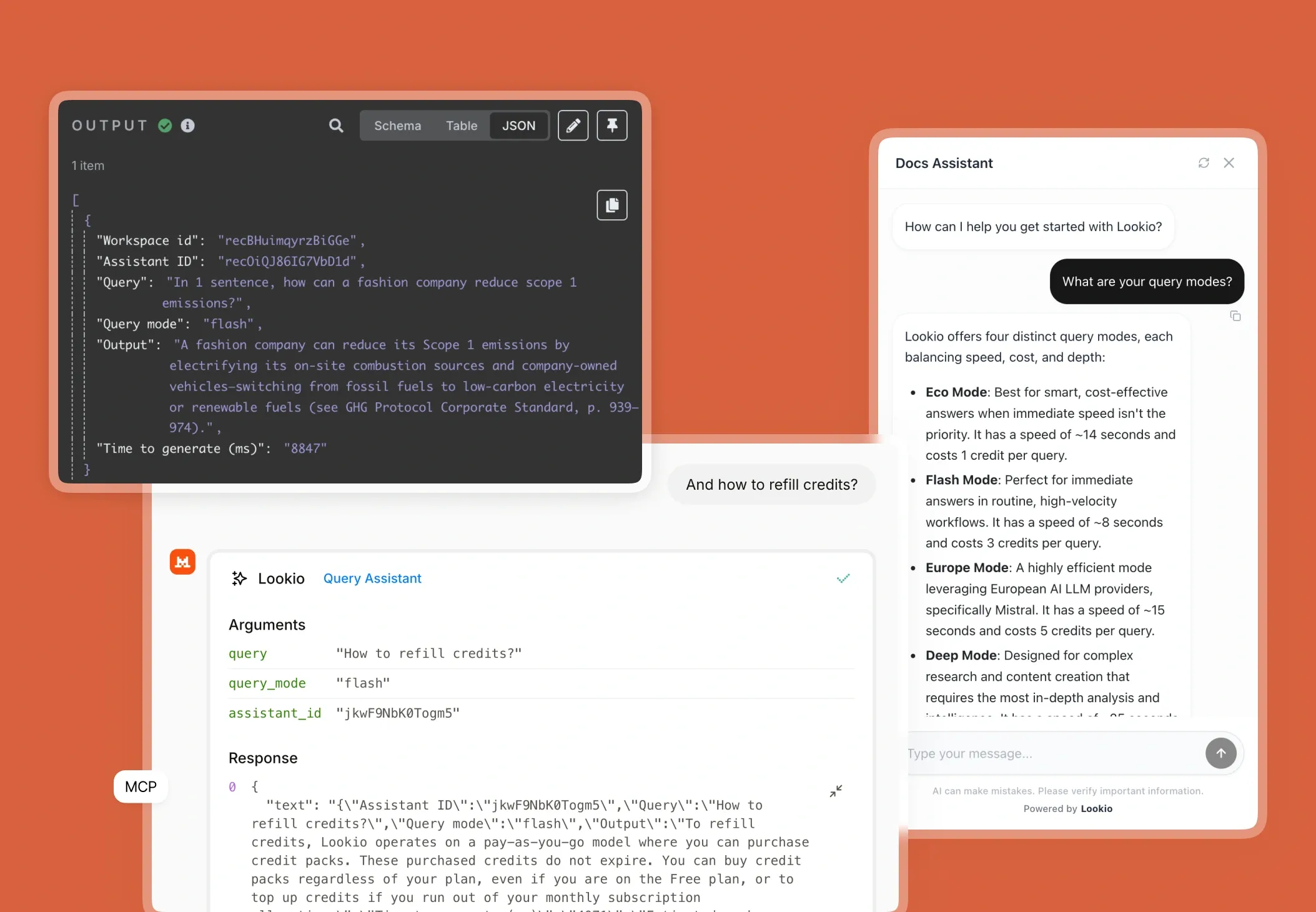
Can I query CSV-backed AI assistants via the API?
100 welcome credits - no credit card required