The best RAG MCP and CLI for AI agents
Connect Claude or headless agents to your Lookio knowledge base via MCP or CLI. Stop copy-pasting context and let your agents retrieve exactly what they need, when they need it.
Get started free
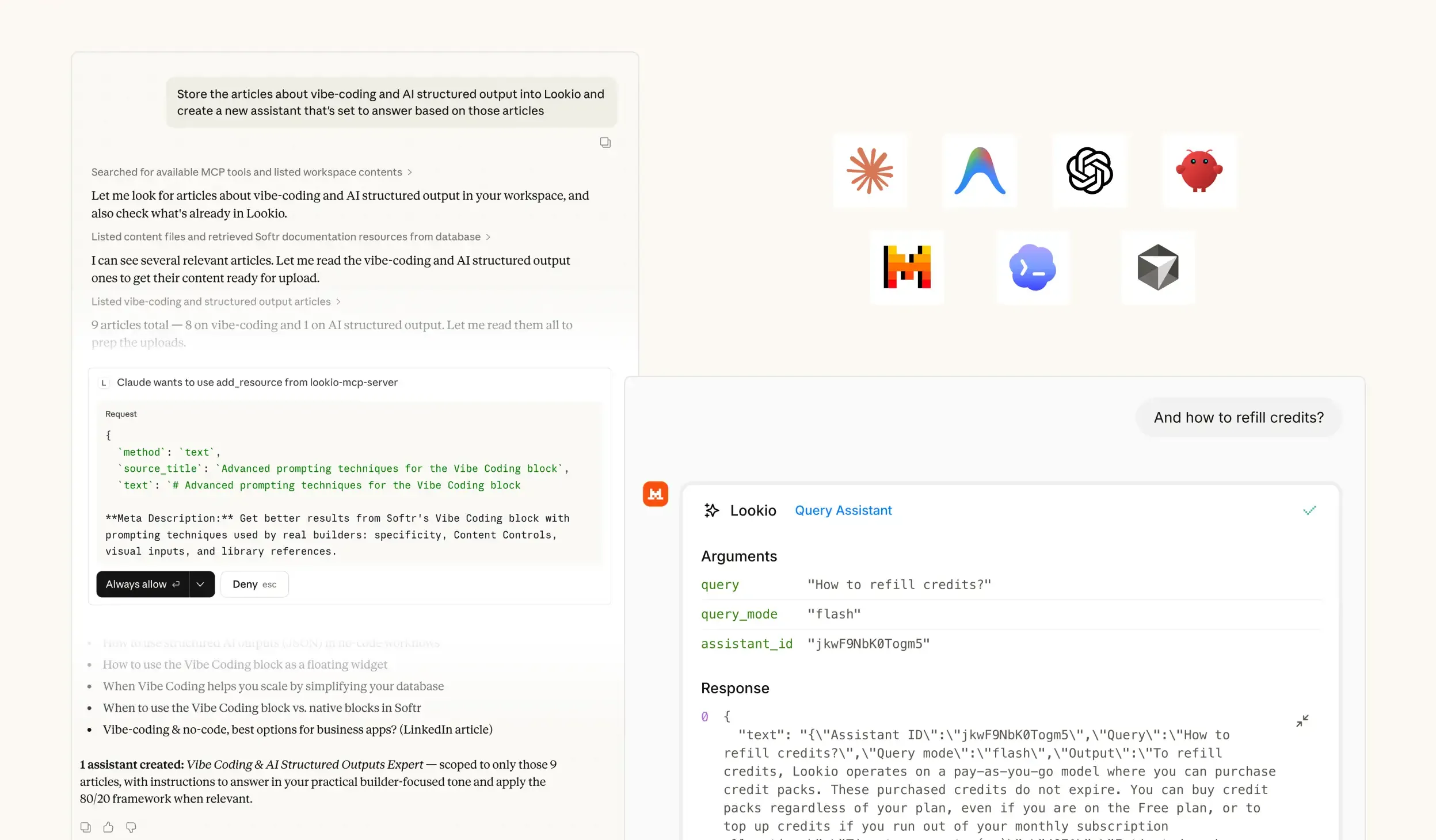
Built for practical knowledge retrieval
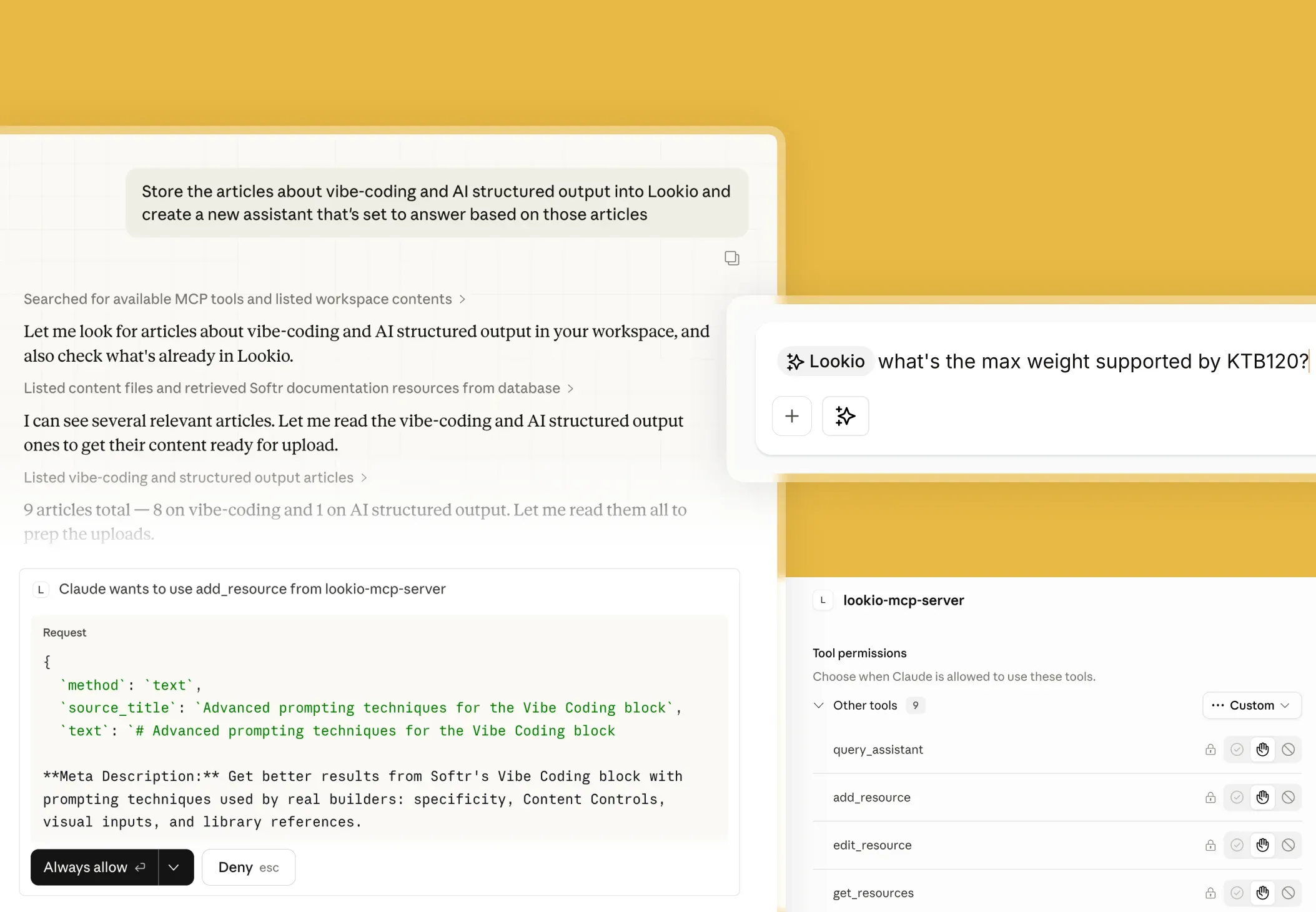
Direct integration with Claude Desktop
Use the Lookio MCP server to let Claude search your proprietary documents, manage resources, and answer questions natively.
Machine-readable JSON via CLI
Give headless agents and Python bots instant access to your knowledge base with our native --json CLI flag.
Eliminate agent hallucinations
Force your AI agents to use your verified documents as the single source of truth before they write code or answer queries.
One knowledge base, infinite agents
Maintain a single source of truth in Lookio while exposing it to multiple autonomous agents across your tech stack.
Agents are stronger with instant retrieval
Give agents a controlled path to your real company knowledge.
Stop feeding 100 PDFs into a prompt.
Reduce token usage and costs.
Ensure agents use up-to-date specs.
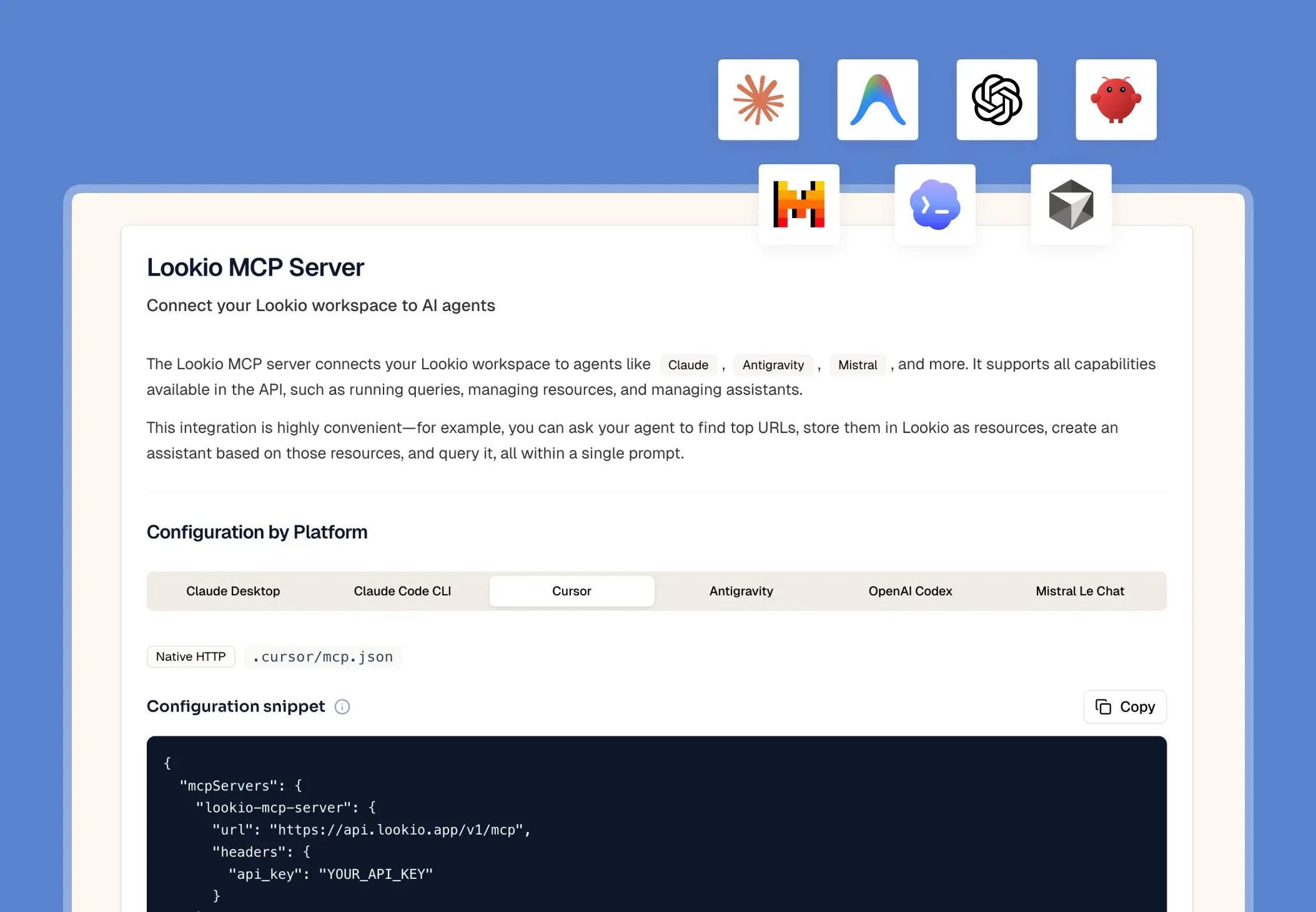
Interactive agents with native access
Let compatible agents query Lookio while you work.
Connect via standard MCP.
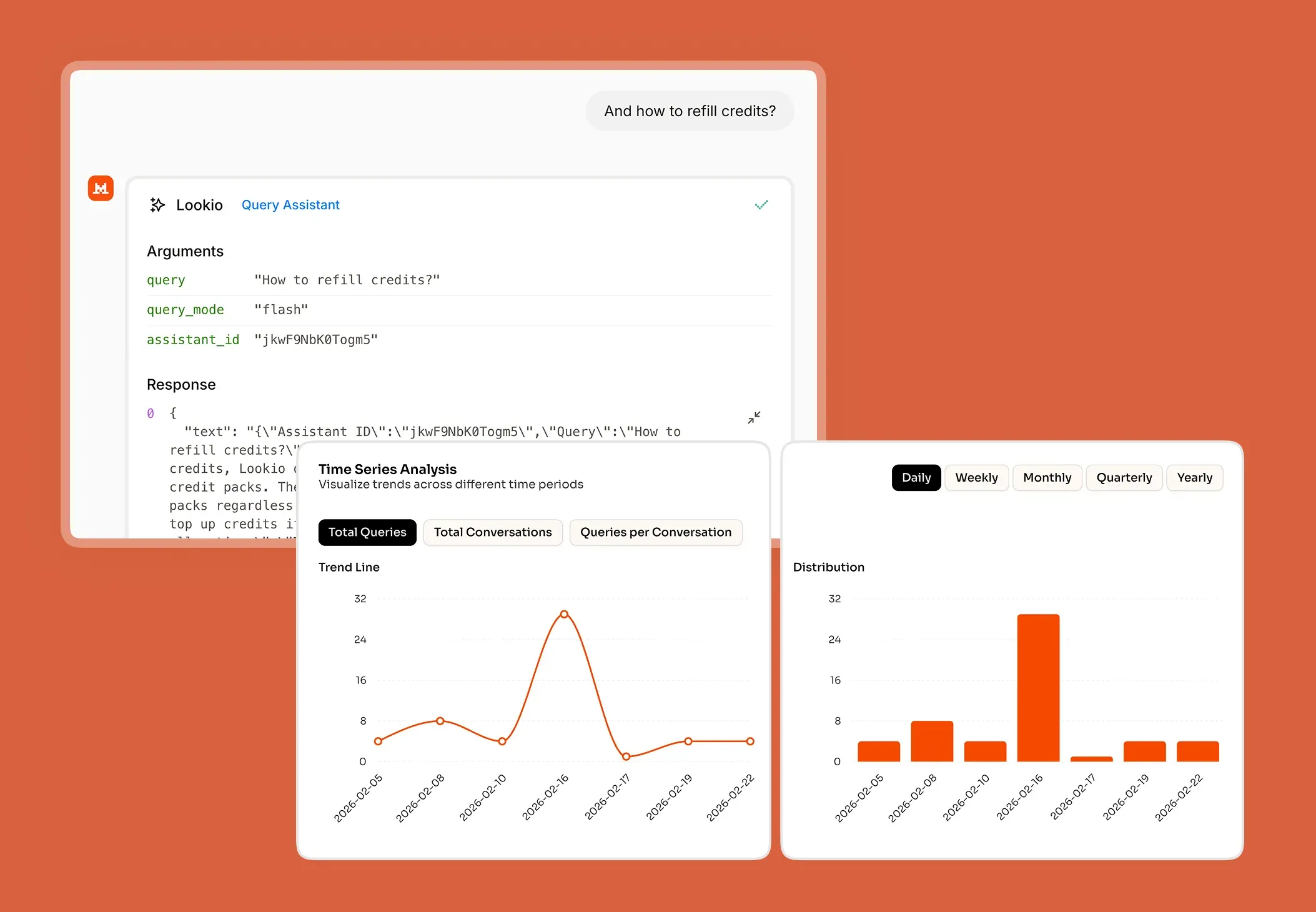
Query Assistants inside the chat.
Manage resources directly from Claude.
Headless agents and terminal scripts
Bring Lookio retrieval into terminal and script workflows.
Zero installation via npx.
Returns clean, parseable JSON output.
Secure local key management.
Frequently Asked Questions about Lookio MCP and CLI
What is the Model Context Protocol (MCP)?
Why should I use the Lookio MCP Server instead of the standard API?
How does the Lookio CLI help AI coding agents?
Can I connect Cursor to my Lookio workspace?
Is my knowledge base synced across the API, MCP, and CLI?
100 welcome credits - no credit card required