Turn PDFs into AI assistants
Upload massive technical manuals, legal reports, and policies, and extract precisely sourced answers in seconds without manual searching.
Get started free
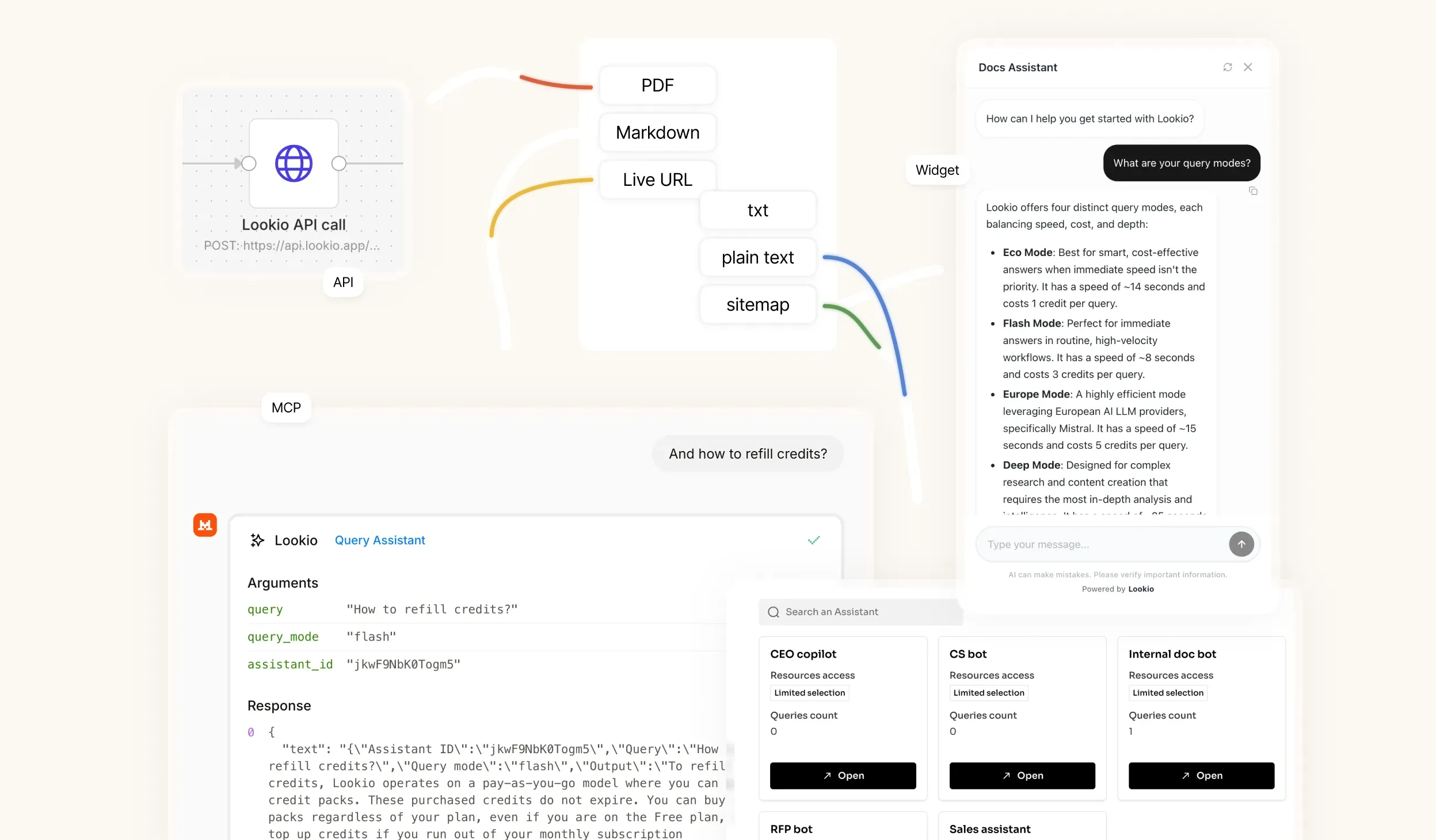
Built for practical knowledge retrieval
Upload dense documents
Make long PDFs searchable through natural-language questions.
Ask specific questions
Retrieve clauses, instructions, policy details, or technical specs.
Get sourced answers
Keep outputs traceable to your approved material.
Use anywhere
Query PDF knowledge through API, MCP, CLI, widgets, or chat.
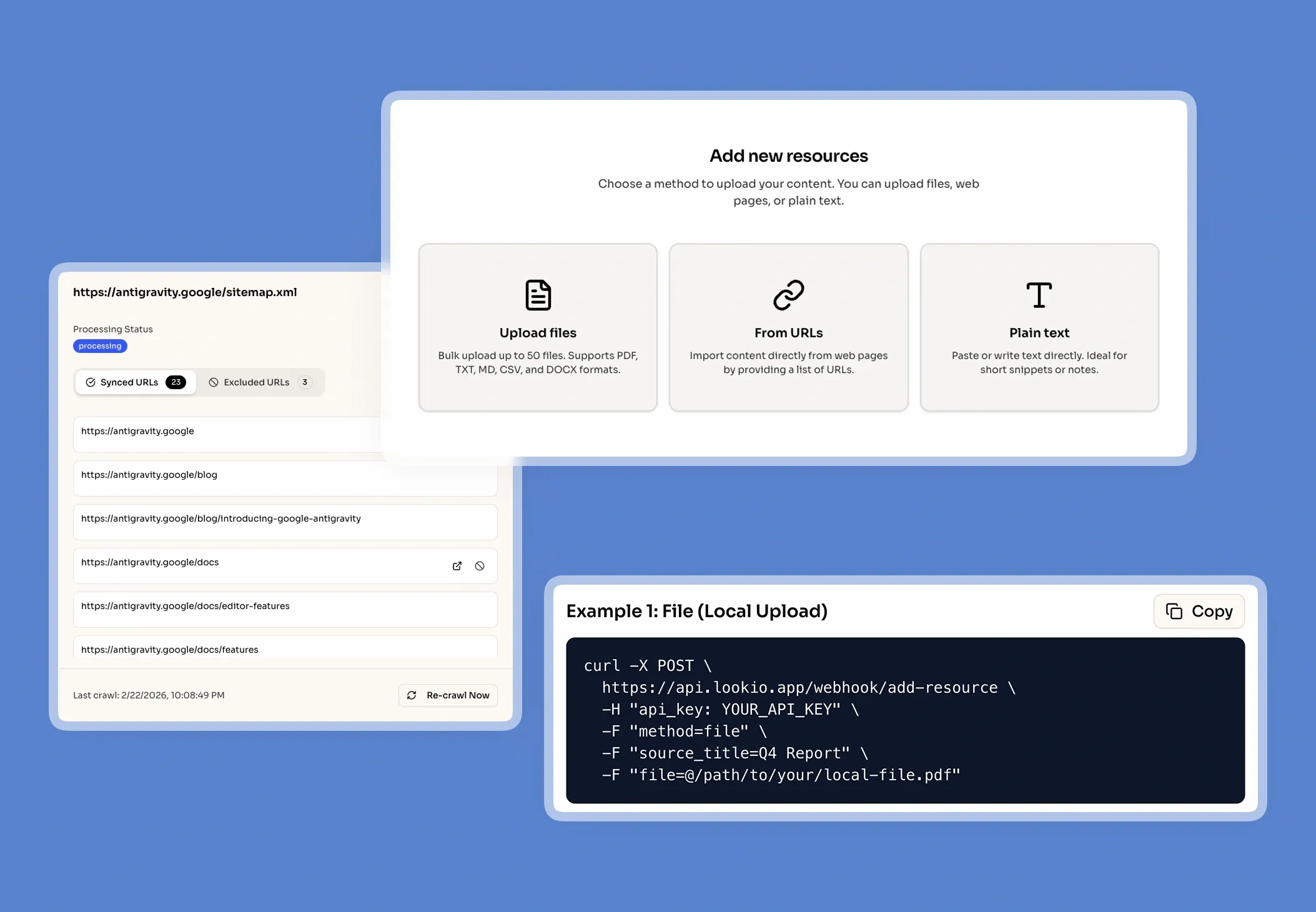
Make massive PDF libraries usable
Turn static, unreadable documents into an interactive expert. Stop forcing your team to manually hunt through hundreds of pages.
Upload technical manuals, legal contracts, and guides.
Instantly index long-form reports and corporate policies.
Eliminate manual Ctrl+F document hunting forever.
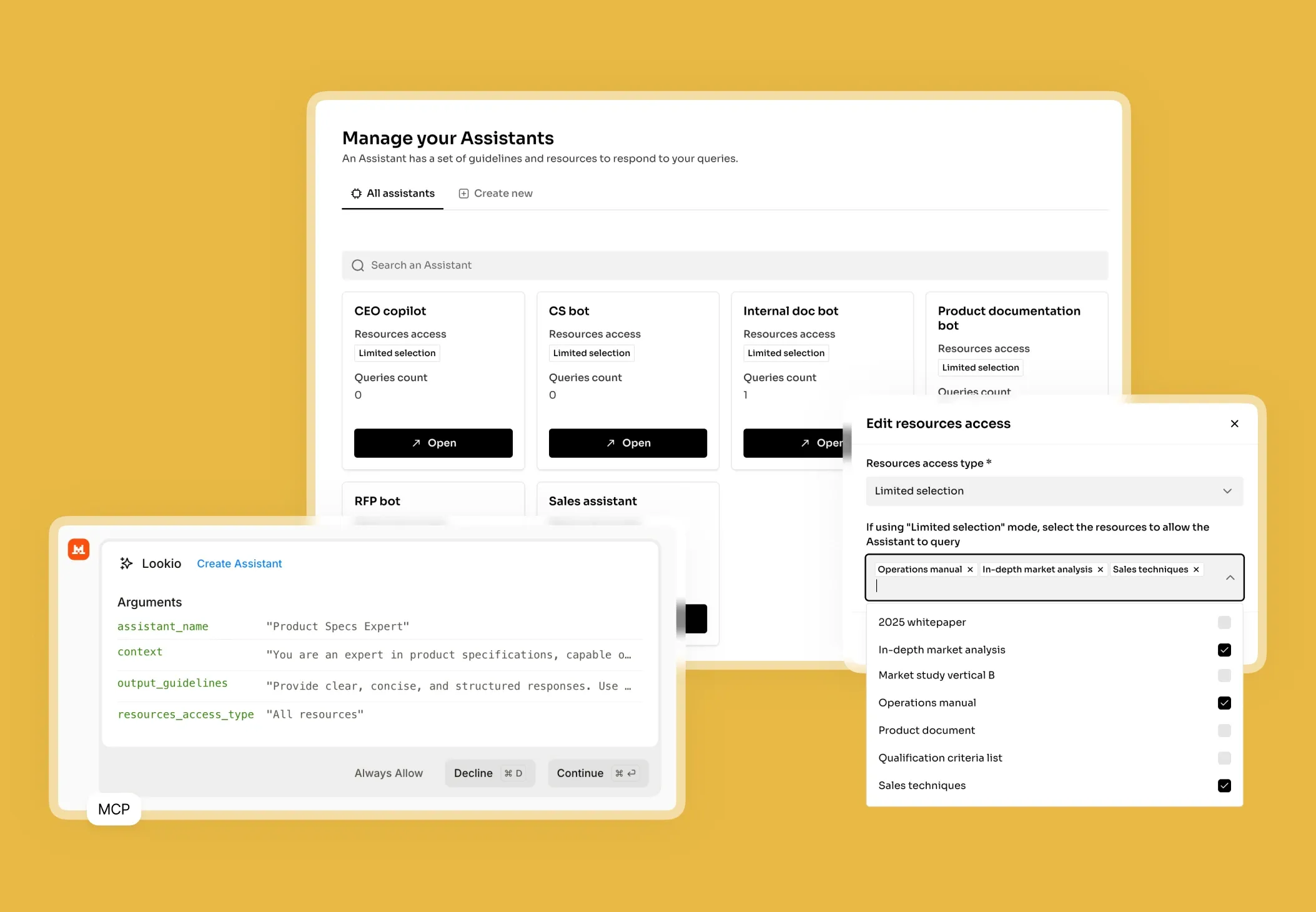
Find the exact answer instantly
Ask complex questions across dense PDF content based on meaning and intent, rather than relying on exact keyword matches.
Search by semantic meaning, not just keywords.
Extract highly precise facts and specific clauses.
Keep all answers strictly grounded in your approved files.
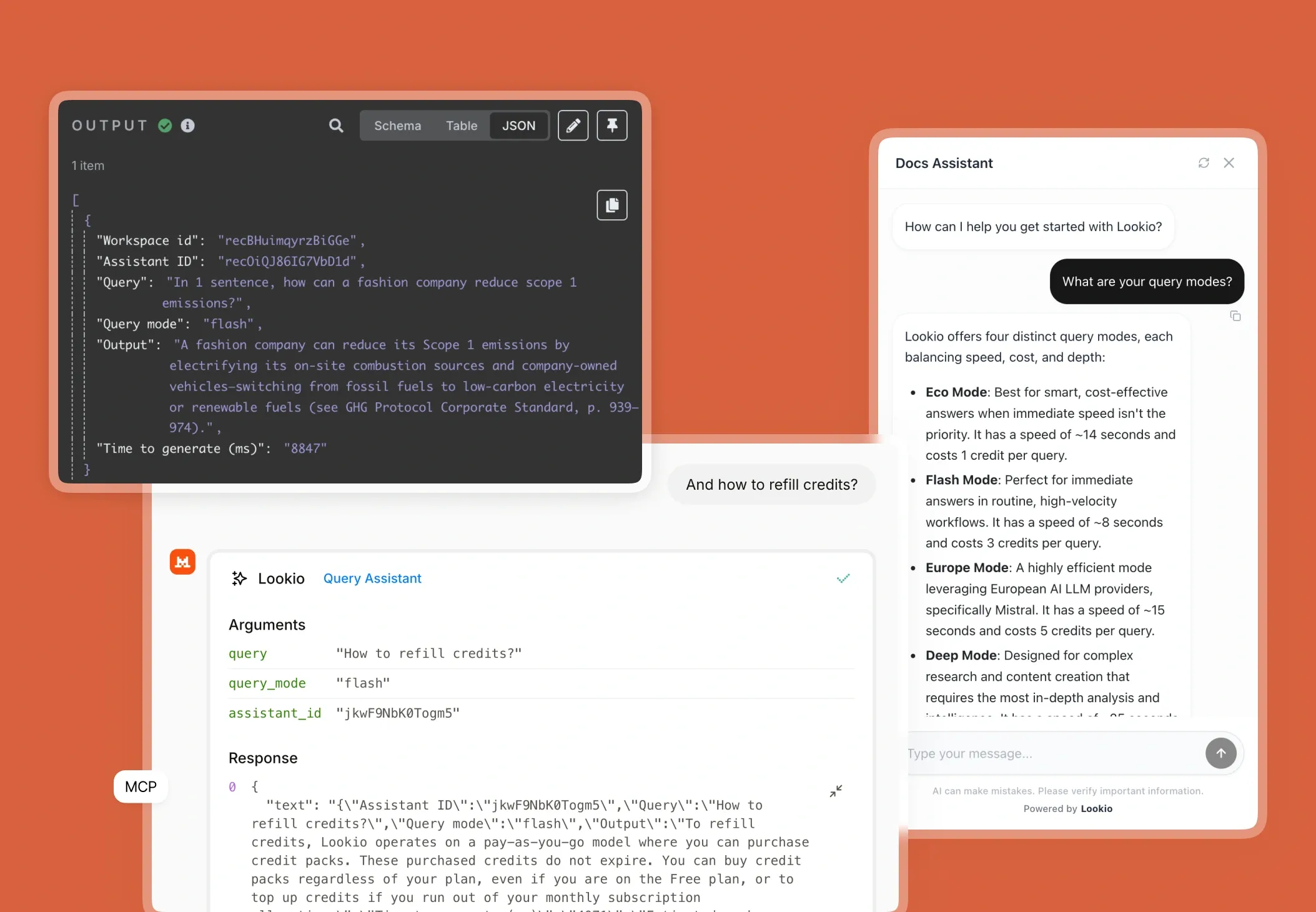
Deploy PDF knowledge into workflows
Bring your approved document answers directly into your customer support, sales operations, and backend workflows.
Draft highly accurate support ticket responses automatically.
Quickly extract data to fill complex RFP responses.
Provide internal experts with a 24/7 research assistant.
Frequently Asked Questions about PDF AI Assistants
How does Lookio turn PDFs into AI Assistants?
What types of PDFs work best with Lookio?
Do I need to manually format or prepare the PDF before uploading?
Will the AI hallucinate answers if the information isn't in the PDF?
Does Lookio provide source citations for PDF answers?
100 welcome credits - no credit card required