The challenge of maintaining consistent brand messaging
When a marketing team tries to scale content production across different channels, they hit a invisible wall: message dilution. Standard tools and generic AI models might be fast, but they lack the unique soul of your brand because they don't have access to your proprietary logic, positioning documents, or specific industry insights.
The daily cost of fragmented knowledge
What breaks in this workflow is the human-to-AI translation. Currently, to get an AI to write in your brand voice, a senior editor has to copy-paste style guides, product mission statements, and audience personas into every single prompt. This isn't just a time-sink; it creates a massive quality gap. When different team members use different versions of materials, the brand begins to sound like three different companies at once. This leads to endless revision cycles, expert interruptions, and ultimately, a loss of brand equity as trust with the audience erodes through inconsistency.
Why the tools they've tried fall short
Most teams attempt to bridge this gap with basic tools, but the results are predictable:
- Internal wikis and Google Docs: These are storage units, not brains. Keyword matching often fails to find the subtle nuance of why we avoid certain words, leaving team members to guess or search for hours.
- Generic AI (ChatGPT, etc.): Without a grounded knowledge base, these models hallucinate 'best practices' from the public internet that may directly contradict your brand strategy. They also lack the security infrastructure needed to handle private changelog documents.
- No-API tools like NotebookLM: While excellent for individual researchers, NotebookLM has no API, meaning you can't build it into an automated content pipeline. It remains a manual, siloed experience that cannot scale.
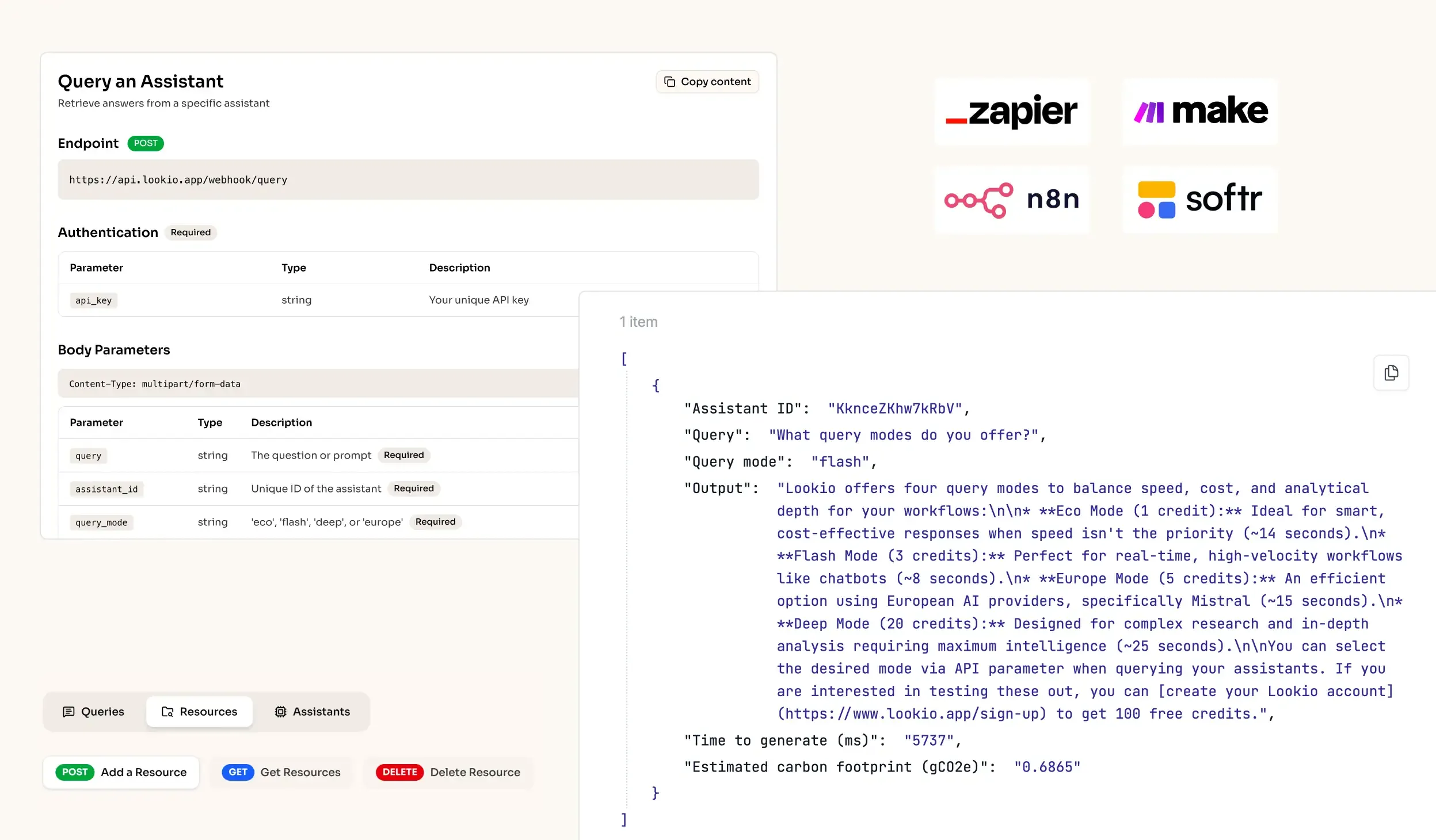
What's missing is a programmatic way to turn your brand documentation into an active intelligence layer that powers every output automatically.