The challenge of information silos in chemical manufacturing
When a process engineer or safety officer tries to troubleshoot a batch deviation or verify a chemical compatibility requirement, they hit a wall of fragmented documentation. In the chemical industry, vital data is often trapped in dense safety data sheets (SDS), lengthy operating procedures, and technical specifications that span decades. Finding a specific flash point or storage temperature requirement shouldn't involve a twenty-minute manual search, but for most teams, that remains the status quo.
The real-world cost of slow data retrieval
What breaks in this workflow is the speed of decision-making. When technical knowledge isn't instantly accessible, companies face increased downtime, heightened safety risks, and potential compliance gaps. Expert engineers are frequently interrupted to answer basic questions phrased in internal wikis, creating a productivity bottleneck. In a high-stakes environment, failing to quickly access the correct protocol for a specialized chemical reaction can result in thousands of euros in wasted raw materials or, worse, safety incidents.
Why the tools they've tried fall short
Most chemical companies have attempted to digitize this knowledge, but standard solutions consistently fail:
- Basic documentation and internal wikis: These rely on keyword matching. If you search for "corrosion factors" but the document uses "oxidative degradation," you get zero results. Under pressure, these tools are simply too rigid.
- Generic AI (ChatGPT, etc.): Public LLMs are notoriously dangerous for chemical use cases. They frequently hallucinate technical constants or safety protocols, creating a liability risk. Furthermore, uploading proprietary chemical formulas to public models presents a massive security breach.
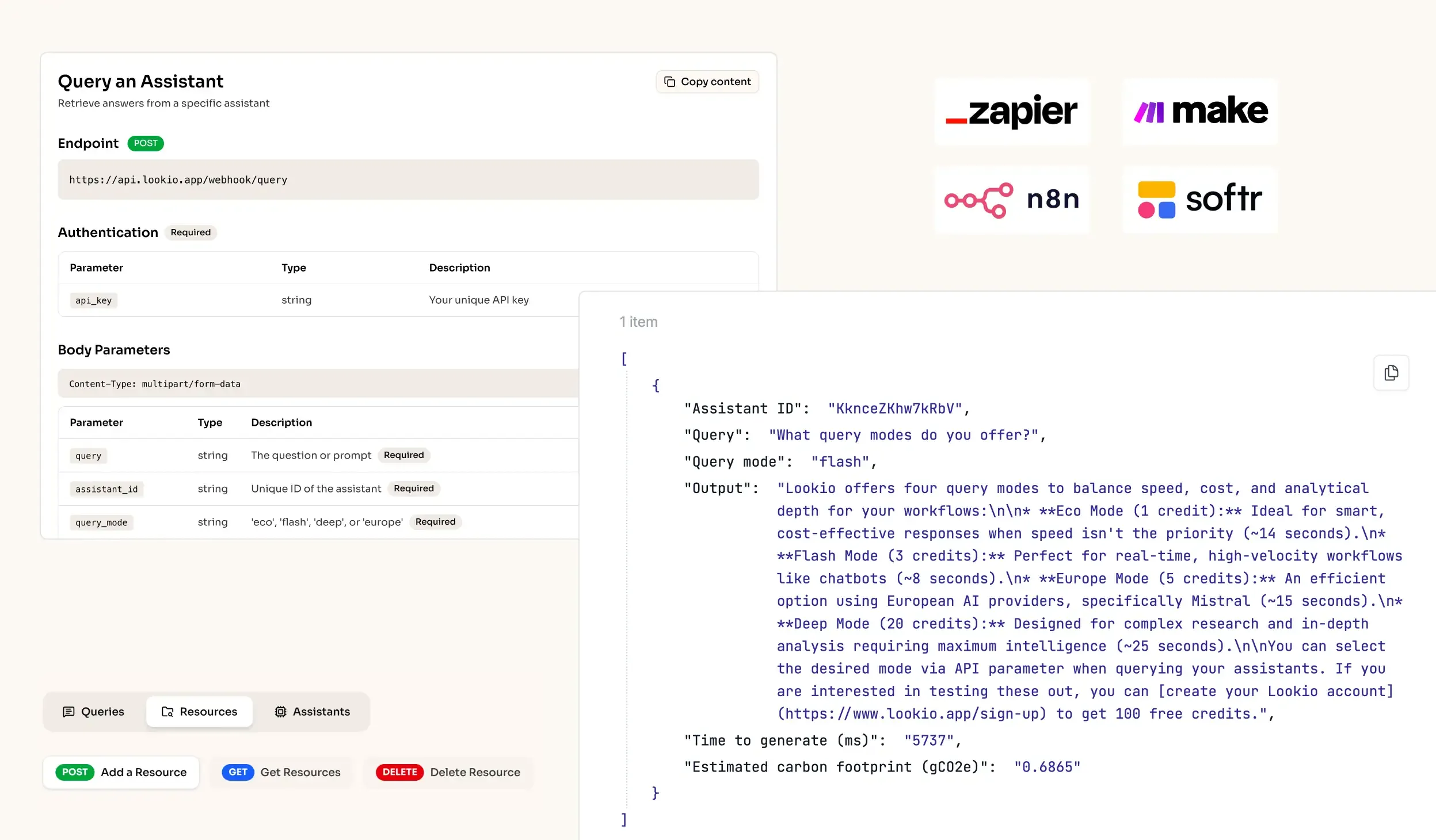
- No-API tools like NotebookLM: While great for individual research, these tools lack an API for automation. You cannot connect them to your process monitoring system or your AI support chatbot workflow, making them useless for corporate-level scaling.
What's missing is a secure, programmatic bridge between your high-value PDFs and your operational tools.