The challenge of scaling unique content marketing
When a content marketer tries to produce high-volume SEO articles, they hit a fundamental quality ceiling: generic AI produces generic content. In today's saturated digital landscape, ranking requires unique insights and expert opinions that ChatGPT simply doesn't have access to. Most marketing teams are sitting on a goldmine of proprietary data—product docs, customer interviews, and expert research—but it remains locked away in disparate files that are impossible to surface at the moment of creation.
The daily cost of the content-research gap
What breaks in this workflow is the dependency on subject matter experts. To write a truly authoritative piece, a marketer often has to interrupt busy product leads or industry experts to get the "truth." This creates a massive bottleneck. When deadlines loom, researchers often skip the deep dive, leading to surface-level content that fails to rank or, worse, provides inaccurate technical details. This lack of scale-ready SEO content effectively caps your organic growth potential.
Why the tools they've tried fall short
Most teams have already explored a few avenues to bridge this gap, but none offer a production-grade solution:
- Internal Wikis and Manual Search: Keyword search in Google Drive or Notion is too slow. Marketers spend 20% of their day just looking for information rather than writing, and keyword matching often misses the relevant technical context.
- Generic LLMs (ChatGPT): While these tools are great for drafting, they lack your specific "brand brain." They hallucinate missing details or rely on public training data that is outdated or irrelevant to your specific product.
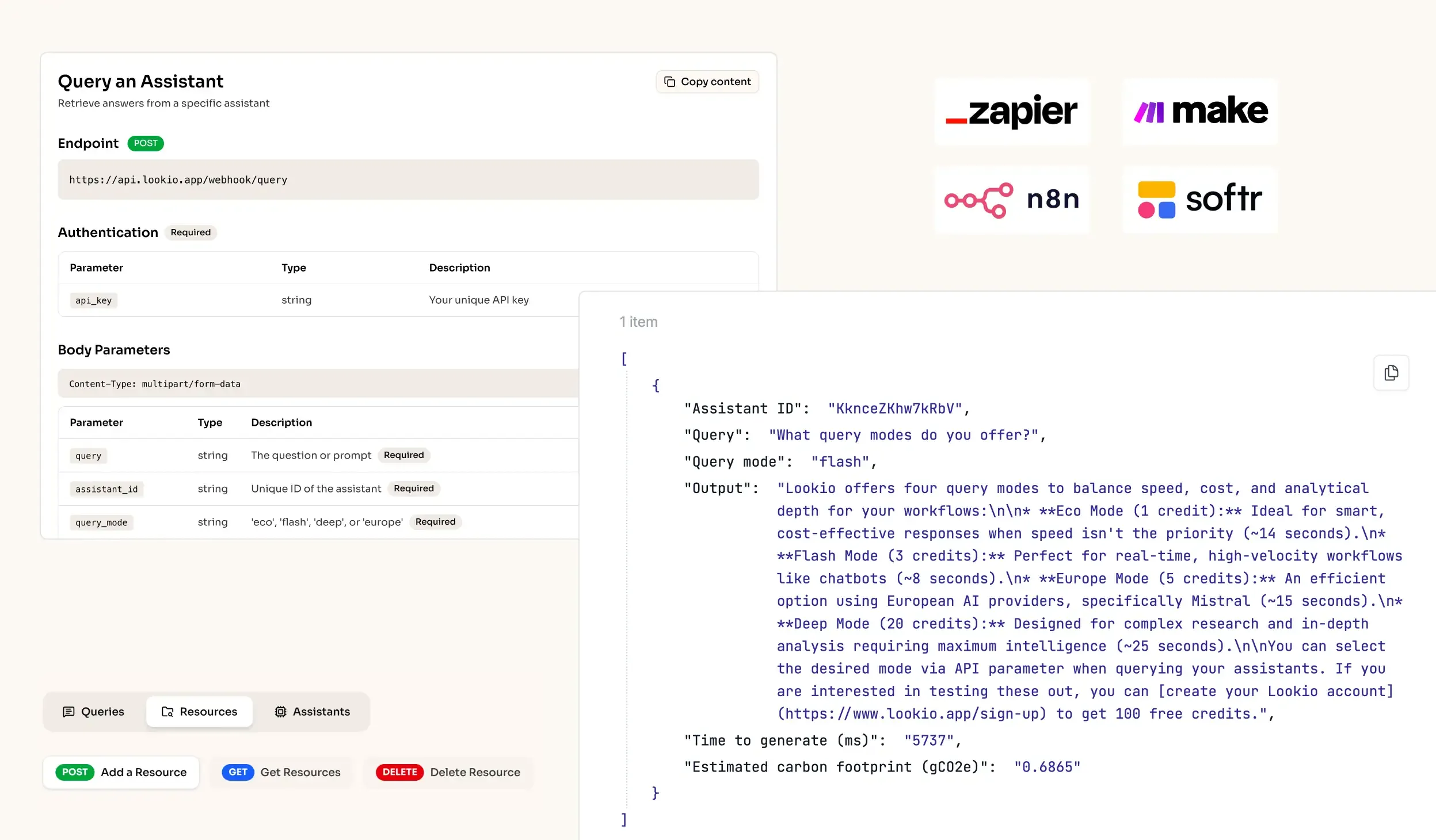
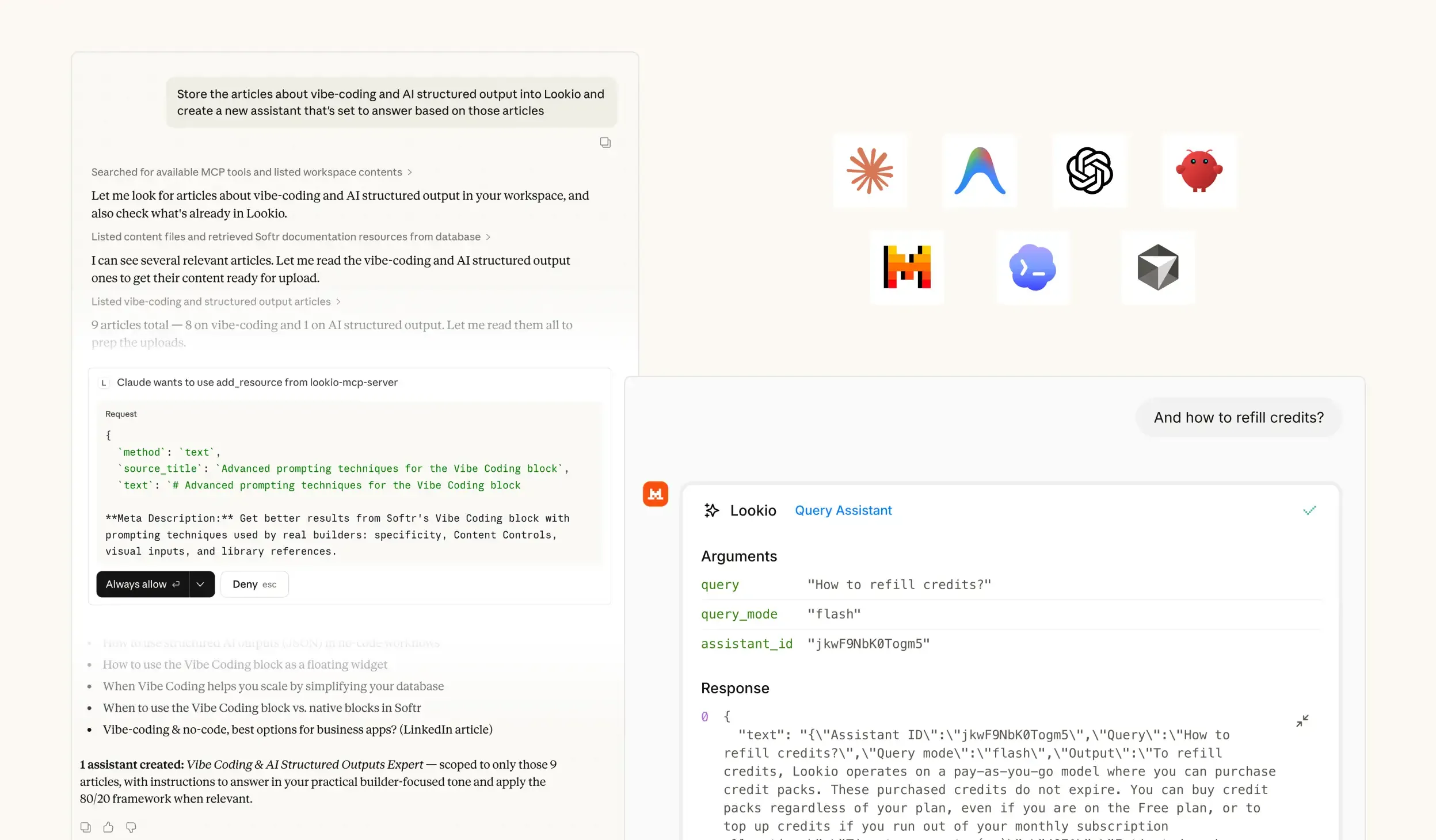
- No-API tools like NotebookLM: While excellent for individual researchers, these platforms are isolated islands. Because there is no NotebookLM API available, you cannot automate your marketing pipeline. You are left manually copy-pasting research into your CMS, which is unsustainable for a modern marketing engine.
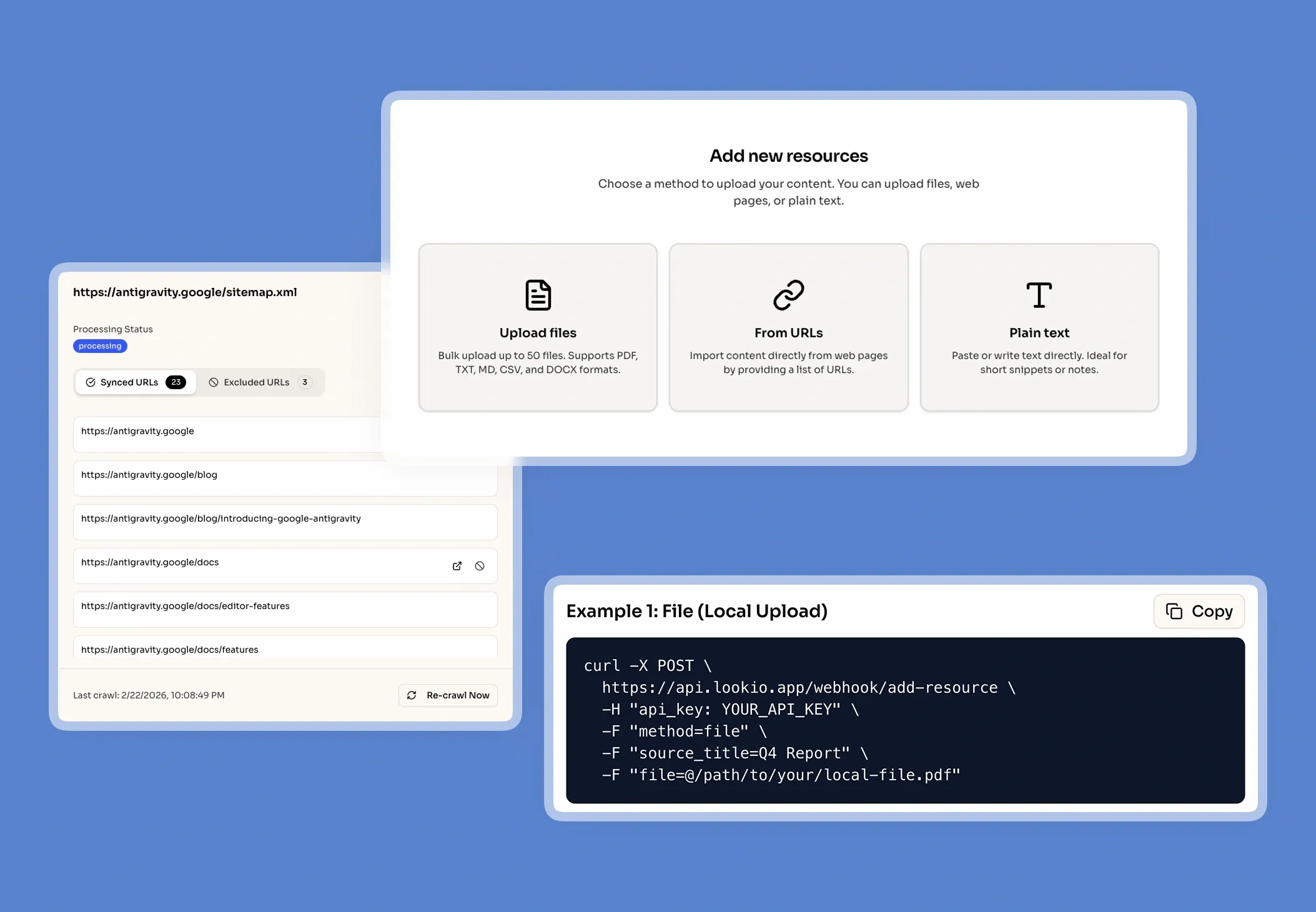
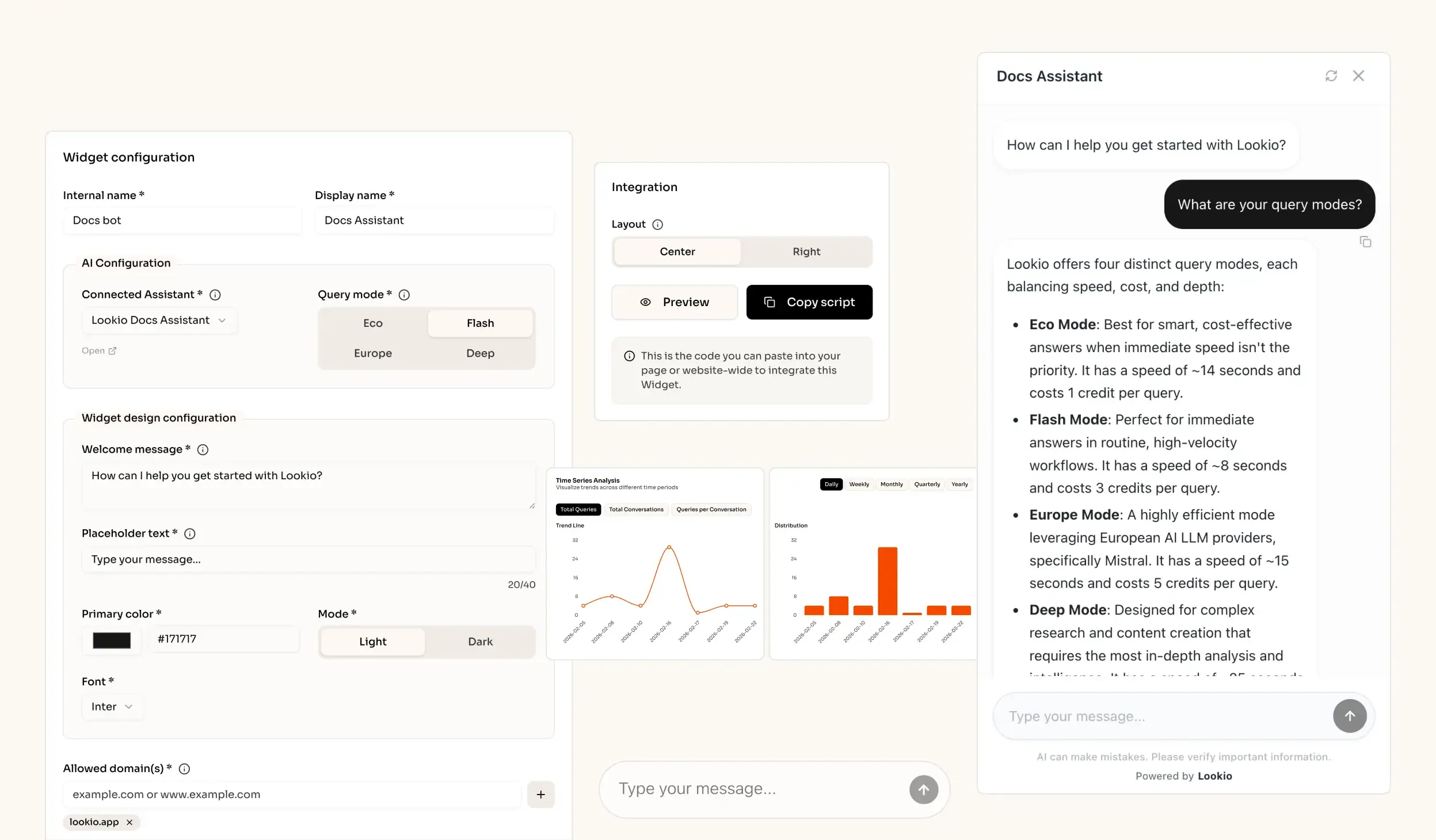
What's missing is a way to programmatically bridge the gap between your locked internal knowledge and your content generation tools.