The challenge of scaling quality content
When a content marketing manager tries to produce an expert-level article, they hit a fundamental wall: the expertise gap. Writing high-ranking content in 2026 requires more than just decent prose; it demands unique insights, case studies, and proprietary data that only your internal subject matter experts possess. Unfortunately, those experts are usually too busy to sit for a two-hour interview for every blog post. This results in content teams either slowing down to a crawl or resorting to generic AI output that fails to rank because it lacks the EEAT signals search engines crave.
The volume vs. quality trap
As your team scales, the current workflow usually breaks. You either maintain high quality by manually hunting through fragmented Google Docs, old Slack threads, and internal wikis - which is impossible to scale - or you use generic LLMs to churn out high volume. The business impact is immediate: your content looks exactly like your competitors', your conversion rates drop, and you waste thousands on freelance writers who don't actually understand your product. Without a way to scale SEO content with AI properly, your documentation remains a dormant asset rather than a growth engine.
Why the tools they've tried fall short
Most content teams experiment with a few standard bridge solutions, only to hit these dead ends:
- Internal Wikis and Notion: Keyword search is prehistoric. When you need a specific customer quote about a feature, you can't find it unless you remember the exact filename. These tools aren't built for intelligent retrieval.
- Generic AI (ChatGPT/Gemini): These models have no idea what happened in your company last Tuesday. If you feed them too much data in a single prompt, they experience context collapse, where they forget the middle of your document and start hallucinating fake feature names to fill the gaps.
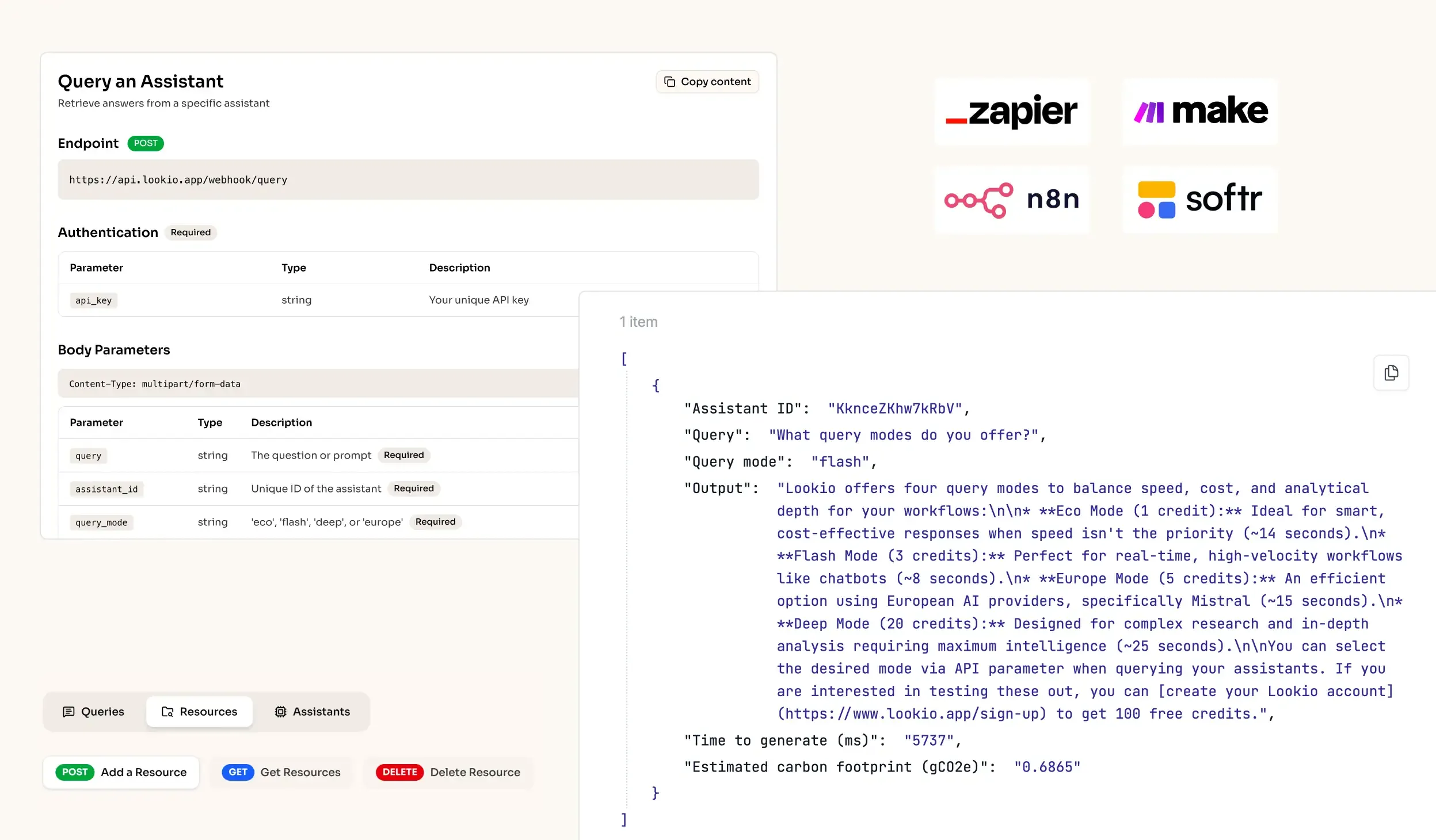
- NotebookLM: Google's tool is excellent for a single user's research, but it suffers from one fatal flaw for teams: it lacks an API. You cannot connect it to your CMS, your project management tools, or your automation workflows. It’s a closed box in a world that requires reliable RAG within n8n to handle production volume.
What’s missing is a programmatic bridge between your raw company brain and your content production line.