When an Account Executive closes a major deal and hands the client over to Customer Success, the new rep usually inherits a messy folder containing months of complex internal notes, SOW PDFs, and localized account strategies. Instead of spending an entire afternoon reading, this skill lets your agent interrogate a Lookio Assistant containing all historical account data to draft an instantaneous, highly accurate “Executive Handoff Brief.”
What it does & who it’s for
This skill relies on Lookio’s ability to quickly parse highly unstructured historical data (call transcripts, meeting notes, custom proposals) into a coherent, structured output.
- Key features:
- Contextual Account Query: Uses the client’s Account ID to drill through the massive internal Lookio archive.
- Synthesized Handoff: Extracts core promises, historical tensions, and immediate next steps.
- Fast Execution: Relies on Lookio’s ability to read more PDFs in seconds than a human can in a day.
- Perfect for:
- Customer Success Managers (CSMs): Onboarding new enterprise clients without dropping the ball on previously agreed-upon deliverables.
- Account Executives: Automating the required internal documentation when a deal moves to “Closed-Won.”
How to use it
You can adapt this skill to use either the Lookio CLI or the Lookio MCP Server.
- Ensure your company’s CRM notes, past deal PDFs, and call transcripts are synced to your Lookio workspace. Copy your Sales/Account Assistant ID.
- Save the rich skill prompt below into
handoff_bot.md. - Inform your AI agent what specific Account ID or Client Name needs reviewing.
- Prompt your agent: “Read the Lookio archive for the Acme Corp account and build the hand-off summary using the @handoff_bot.md skill.”
The rich skill prompt (one-click copy)
Copy the block below and save it as your skill file.
# Executive Account Transition Summarizer Skill

## 🎯 Objective
Synthesize months of unstructured historical account data (meeting notes, SOWs, email transcripts) stored in Lookio into a crisp, actionable Executive Handoff Brief for the Customer Success team.

## 🛠️ Tools Required
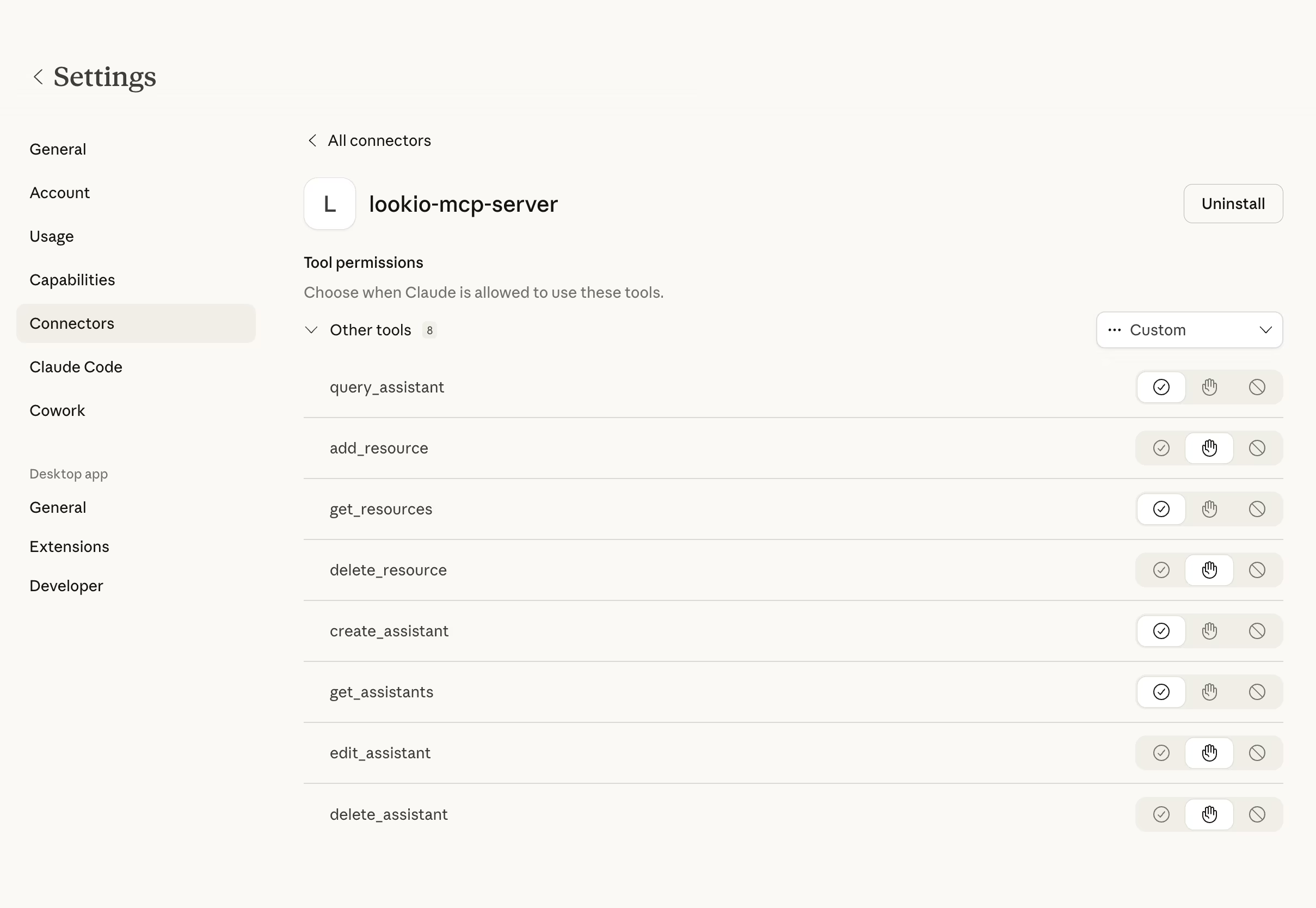
- **Lookio MCP Server**: `query_assistant` tool enabled.
- **Sales & Post-Sales Assistant ID**: [ID].

## ⚡ Trigger Rules
- **USE this skill when**: A deal is won and needs to be transitioned from Sales to Customer Success, or when a new CSM inherits an existing complex account.
- **AVOID this skill if**: The account is new and has no historical documentation or prior interactions recorded in Lookio.

## 📝 Instructions & Workflow
1. **Target Identification**: Confirm the Client Name and unique Account ID for the handoff.
2. **Bulk Content Synthesis**: Use the Lookio `query_assistant` tool in `query_mode: "deep"`.
   - Query: "Examine all internal call notes, SOW [PDFs](https://lookio.app/product/pdf-ai-assistants), and strategy documents related to [Account ID/Name]. Please create a definitive synthesis of: 1. Their core purchase intent and business goals. 2. Any custom configurations, exceptions, or non-standard promises mentioned in the deal documents. 3. The key decision makers (Economic Buyer vs Implementation Lead). 4. Any historical friction points or budget sensitivities noted in the transcriptions."
3. **Draft the Transition Briefing**: Once all facts are retrieved:
   - Organize the information into the standardized "Lookio Handoff Template": Summary, Core Intent, Custom Exceptions, Key Personnel, and Risk Assessment.
   - For every stated intent or risk, cross-reference the date it was last mentioned.
4. **Validation Check**: If the analysis contradicts a current SOW, flag the discrepancy clearly as "Manual Action Required."
5. **Output**: Deliver the finalized handoff as `Executive_Handoff_[ClientName].md`.

## 🛡️ Guidelines & Constraints
- **Direct Truth over Sentiment**: Focus on what was explicitly written or said in call transcripts, not your own generic AI interpretation of success.
- **Objective Tensions**: Clearly identify if a client was unhappy or hesitant about a specific feature during the deal cycle.
- **Formatting**: Use clean Markdown with clear section headers.