Writing high-quality, sourced SEO content requires extensive research and specific formatting. instead of relying on generic ChatGPT knowledge, this agent skill uses your company’s actual knowledge base. It breaks an article down into sub-headings, uses Lookio to thoroughly research each topic, and drafts an authoritative, highly-ranked SEO article.
What it does & who it’s for
This skill takes a basic title/topic and turns your AI agent (like Claude Code or Antigravity) into a highly capable SEO content engine.
- Key features:
- Structure first: The agent logically splits the topic into an outline before drafting.
- Segmented research: The agent queries your Lookio workspace per sub-heading, guaranteeing depth of research.
- Sourced drafting: The final redaction is heavily anchored in reality, dropping internal knowledge into the text.
- Perfect for:
- Content Marketers & SEO pros: Running programmatic or high-quality manual SEO pipelines.
- Founders: Quickly publishing authoritative expert thoughts based on their own documentation.
How to use it
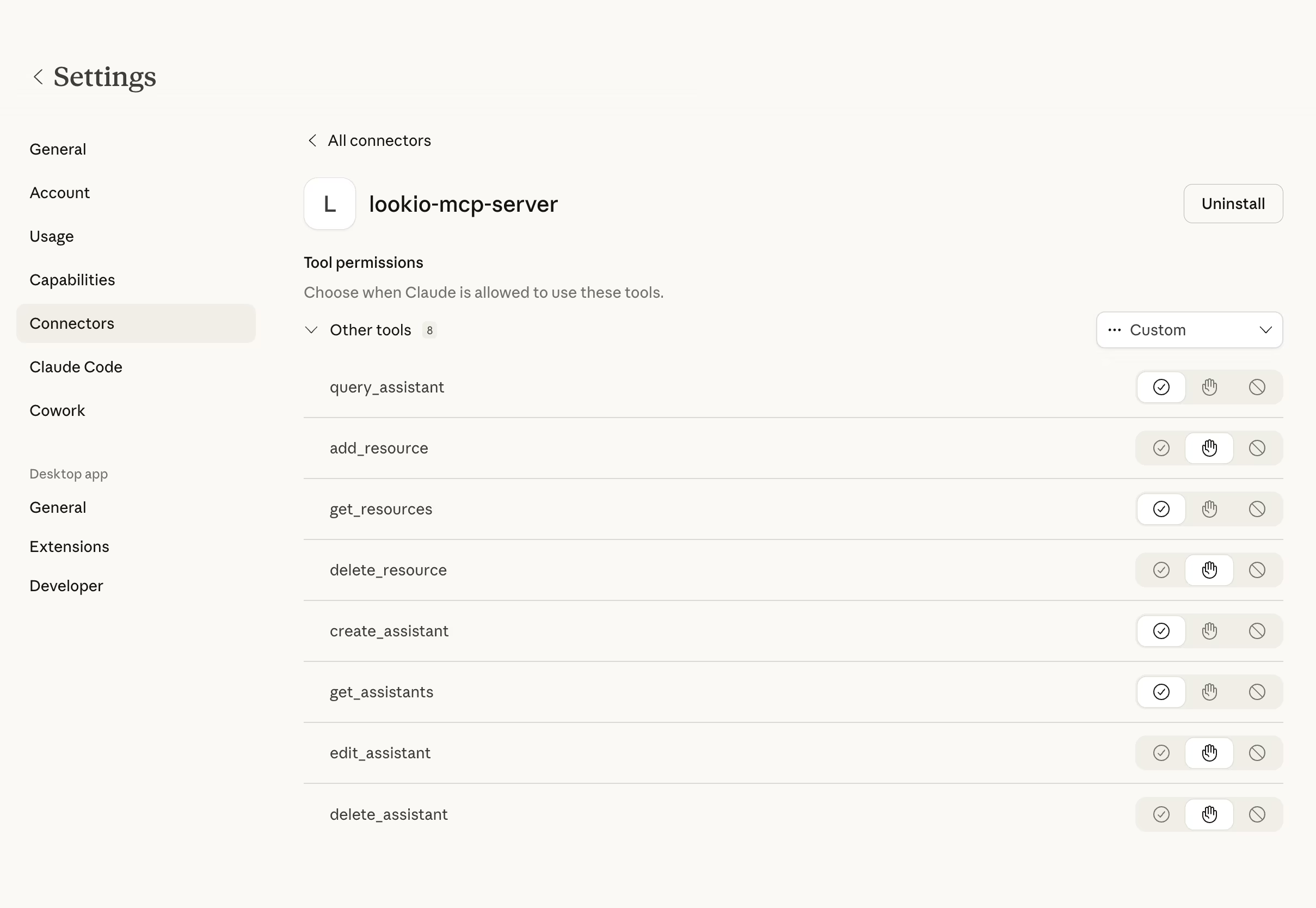
You can adapt this skill to use either the Lookio CLI or the Lookio MCP Server.
- Copy the rich skill prompt below into a local markdown file (e.g.,
seo_writer.md). - Insert your Lookio Assistant ID (an assistant trained on your marketing/product docs).
- Ask your agent: “Use @seo_writer.md to write an article about ‘The Future of Carbon Accounting’.”
The rich skill prompt (one-click copy)
Copy the block below and save it as your skill file.
# SEO Content Orchestrator Skill

## 🎯 Objective
Generate authoritative, SEO-optimized marketing content that is 100% sourced from the company's internal knowledge base, avoiding generic AI fluff.

## 🛠️ Tools Required
- **Lookio MCP Server**: `query_assistant` tool enabled.
- **Content Guidelines**: (Optional) a `.markdownlint.json` or custom style guide.

## ⚡ Trigger Rules
- **USE this skill when**: You need to produce a long-form article, blog post, or whitepaper based on a provided keyword or title.
- **AVOID this skill if**: You are writing a short social media update or product copy (unless specifically asked to research it first).

## 📝 Instructions & Workflow
1. **Structural Planning**: Take the user's primary topic and keyword. Generate a logical 5-point H2/H3 outline (e.g., The Tech, The Industry Context, The Business Impact).
2. **Deep Research Cycle**: For *each* generated sub-heading:
   - Call `query_assistant` in `query_mode: "deep"`.
   - Ask: "What is our company's definitive stance and technical advantage regarding [Sub-heading]?"
3. **Drafting Phase**: Once all research is collected:
   - Write the full article while naturally integrating the facts, quotes, and statistics retrieved from Lookio.
   - Do not use phrases like "In the rapidly evolving landscape..." or other generic AI filler.
4. **Sourcing & Citations**: Explicitly mention internal sources if they add authority to the claim (e.g., "According to our recent infrastructure audit...").
5. **SEO Optimization**: Ensure the keyword appears in the H1, first H2, and naturally throughout the text (2-3 times max).
6. **Output**: Save the final draft as `SEO_Post_[Keyword].md`.

## 🛡️ Guidelines & Constraints
- **Human-First Tone**: Follow the "Human-First" content rules: no rhythmic phrasing, no em-dashes (—).
- **Factual Primacy**: If Lookio returns no data for a sub-heading, inform the user rather than inventing external facts.
- **Markdown Purity**: Use clean headings and bullet points for scanability.