Building a massive enterprise quote requires knowing the intricate compatibility between hundreds of hardware or software SKUs. One wrong configuration can derail a multi-million dollar deal. Using this agent skill, your AI connects to a Lookio Assistant containing your entire history of product spec sheets, drastically minimizing human error when validating complex sales proposals.
What it does & who it’s for
This skill replaces the hours spent cross-referencing legacy spreadsheets with a highly capable, RAG-powered workflow.
- Key features:
- SKU Compatibility Checking: The agent interrogates the Lookio product catalog to verify if requested items can technically operate together.
- Intelligent Substitution: If a requested component is deprecated or incompatible, the agent queries Lookio for the officially supported alternative.
- Validated Output Drafting: Generates the final bill of materials and proposal text based exclusively on your verifiable documentation.
- Perfect for:
- Sales Engineers (SEs): Automating the initial sanity check of a complex Request for Quote (RFQ).
- Enterprise AEs: Generating accurate proposals faster without relying solely on manual engineering reviews.
How to use it
You can adapt this skill to use either the Lookio CLI or the Lookio MCP Server.
- Ensure your Lookio Product Catalog Assistant has indexed all the latest spec sheets, pricing tiers, and compatibility matrices. Copy its ID.
- Save the rich skill prompt below into
quote_builder.md. - Provide your agent with the raw client requirements (e.g., “Client needs 500 VDI seats, integrating with Cisco networking and our legacy SSO.”)
- Prompt your agent: “Read the Acme Corp requirements and use the @quote_builder.md skill to build a valid quote.”
The rich skill prompt (one-click copy)
Copy the block below and save it as your skill file.
# Complex Proposal & Quote Architect Skill

## 🎯 Objective
Transform raw, unstructured client requirements into a technically validated Enterprise Proposal or Quote by interrogating a massive Lookio product and compatibility catalog.

## 🛠️ Tools Required
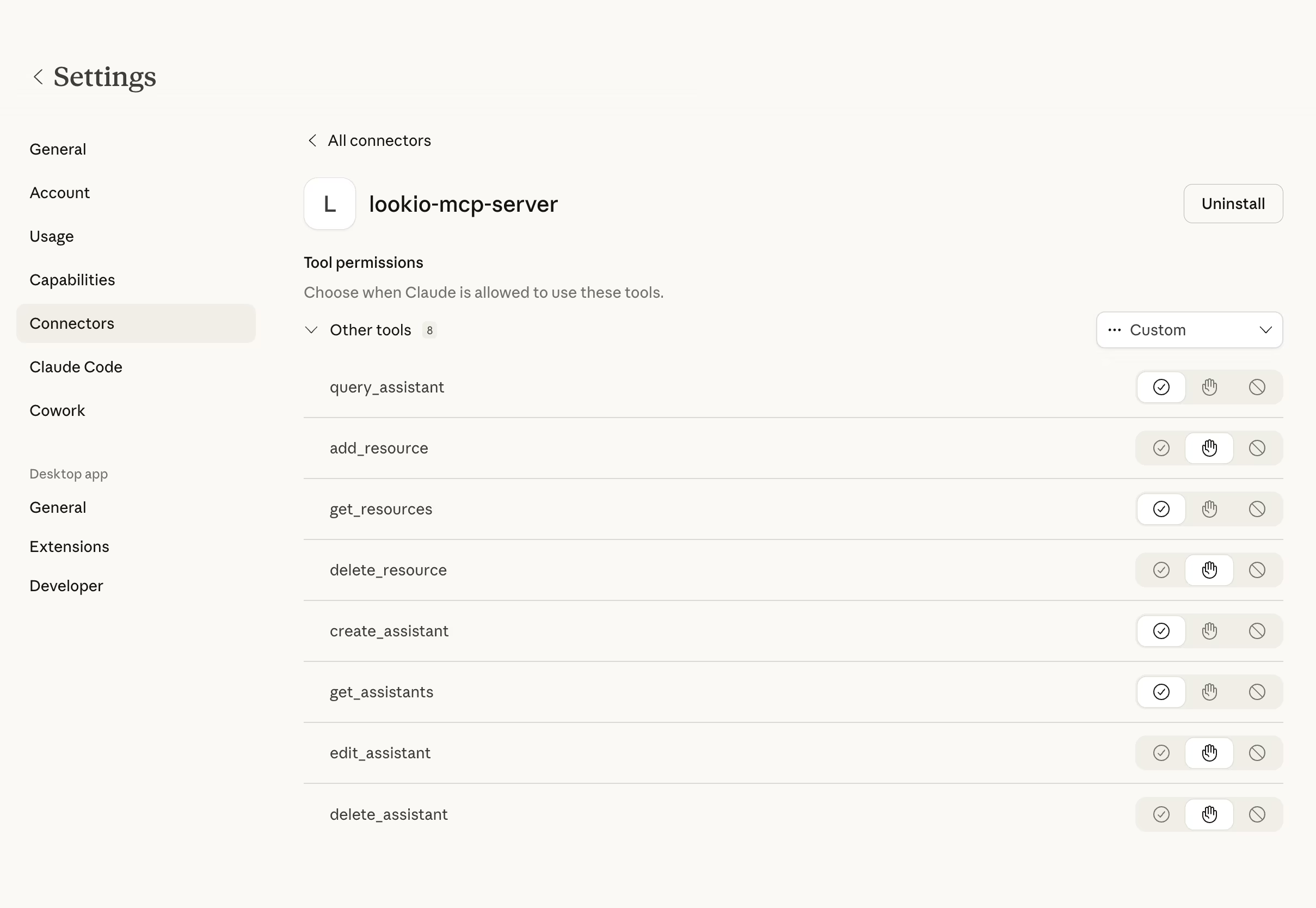
- **Lookio MCP Server**: `query_assistant` tool enabled.
- **Product Catalog Assistant ID**: [ID].

## ⚡ Trigger Rules
- **USE this skill when**: You are presented with a rough list of enterprise hardware, software, or service requirements that need to be turned into a formal Bill of Materials (BOM).
- **AVOID this skill if**: The client request is for a single, non-complex SKU or a standard, flat-rate subscription.

## 📝 Instructions & Workflow
1. **Requirements Analysis**: Map the client's raw request into a structured table of "Desired Capabilities" and "Legacy Tech Constraints."
2. **Deep Compatibility Validation**: Query your Lookio Product Catalog Assistant using `query_assistant` in `query_mode: "deep"`.
   - Query: "A client requested a configuration containing: [Requirements]. Based on our full technical spec sheets and compatibility matrices, are these items compatible? If not, specifically identify why (e.g., 'Requires at least 16GB RAM' or 'Not compatible with V1 SSO'). If a component is deprecated, what is the exact replacement SKU? Provide the technical rationale."
3. **Bill of Materials Construction**: After Lookio confirms the technical feasibility, build the final quote structure.
   - List each validated item with its official description and SKU retrieved from Lookio.
   - Separate "Prerequisites" into a dedicated section (e.g., "Requires Cisco environment").
4. **Draft the Proposal Narrative**: Use the retrieved features to explain *why* this specific configuration is the optimal choice for the client's mentioned goals.
5. **Output**: Deliver the finalized quote draft as `Draft_Proposal_[ClientName].md`.

## 🛡️ Guidelines & Constraints
- **Zero Configuration Error Policy**: If Lookio says "Requires Manual Engineering Review," do not guess. Report the limitation to the user immediately.
- **Accurate SKU Usage**: Only use SKUs and names explicitly returned by Lookio.
- **Professional Formatting**: Use clean Markdown tables for the Bill of Materials.