Sales reps often send generic outreach because cross-referencing a lead’s specific industry needs against a massive, complex internal product catalog takes too much time. This agent skill solves that by bridging your CRM (like HubSpot or Salesforce) with your company’s deep knowledge base stored in Lookio.
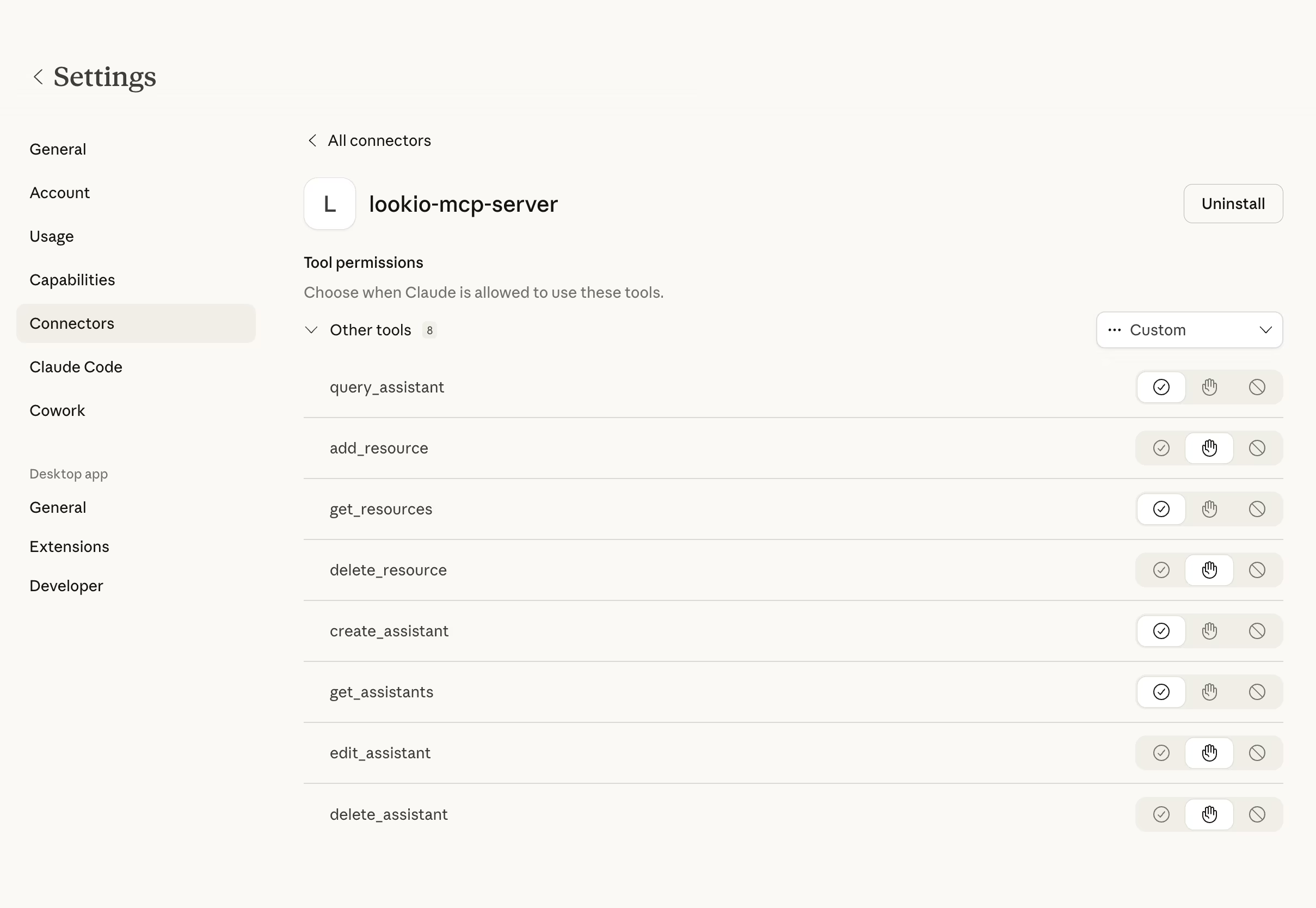
What it does & who it’s for
This skill is perfect for Account Executives and Outbound Marketers who want hyper-personalized outreach that is actually factually accurate to the company’s capabilities.
- Key features:
- CRM Context: The agent understands the prospect’s background before querying Lookio.
- Deep Catalog Query: It uses Lookio to find the precise product, feature, or case study most relevant to that specific CRM profile.
- Fact-checked drafting: The generated email relies entirely on Lookio’s retrieved facts, ensuring sales reps don’t promise non-existent features.
- Perfect for:
- Account Executives: Drafting complex follow-up quotes or highly specific product pitches.
- BDRs: Automating deeply researched first-touch cadences.
How to use it
You can adapt this skill to use either the Lookio CLI or the Lookio MCP Server.
- Ensure your AI agent has access to your CRM (via a separate MCP Server) and the Lookio MCP Server.
- Ensure you have a Lookio Assistant created that has parsed all your product catalogs, case studies, and capability decks. Copy its ID.
- Save the prompt below into
crm_drafter.md. - Prompt your agent: “Fetch the latest lead from Salesforce and use the @crm_drafter.md skill to draft my introduction email.”
The rich skill prompt (one-click copy)
Copy the block below and save it as your skill file.
# CRM-Integrated Email Drafter Skill

## 🎯 Objective
Combine localized CRM prospect context with extensive internal product and case study documentation to draft hyper-personalized, fact-checked outbound sales emails.

## 🛠️ Tools Required
- **Lookio MCP Server**: `query_assistant` tool enabled.
- **CRM MCP Tool**: (Optional) `HubSpot` or `Salesforce` connector.

## ⚡ Trigger Rules
- **USE this skill when**: You are starting a personalized outreach sequence or following up with a lead based on a specific pain point.
- **AVOID this skill if**: The email is a bulk marketing blast or generic news update.

## 📝 Instructions & Workflow
1. **Prospect Context Acquisition**: Fetch the target lead's industrial background, current tech stack, and their recorded "Primary Pain Point" from the CRM. If not available, ask the user to provide it.
2. **Feature Mapping via Lookio**: Use the Lookio `query_assistant` tool in `query_mode: "deep"`.
   - Assistant: Product Catalog & Case Study Assistant ID: [ID]
   - Query: "Explain exactly how our platform [UVP] solves [Lead's Pain Point] for companies in [Lead's Industry]. Reference one specific feature and one relevant case study success story."
3. **Draft the Outreach**: Based on the research:
   - Create a warm, personalized introduction mentioning their industry context.
   - Insert the direct product solution as verified by Lookio.
   - Mention the evidence (case study) to build credibility.
4. **Validation Check**: Double-check the draft. If it promises any feature or performance metric *not* found in the Lookio response, delete it. Accuracy is paramount.
5. **Output**: Present the finalized email draft as `Draft_Email_[LeadName].md` for final sales approval.

## 🛡️ Guidelines & Constraints
- **Personalization over Fluff**: No "I hope this email finds you well" or "As an AI..."
- **Consultative Tone**: Keep the email brief, helpful, and problem-oriented.
- **Structure**: (Subject Line), (The Context), (The Solution), (The Proof/CTA).