Sales teams often waste days waiting for their Legal department to manually review a client’s standard Master Service Agreement (MSA). With this agent skill, your AI assistant can parse the client’s complex legal PDF and cross-reference its clauses against a massive Lookio internal “Legal Playbook.” This instantly flags non-standard liabilities or missing boilerplate language before a human lawyer even opens the file.
What it does & who it’s for
This skill relies entirely on querying Lookio’s ability to recall dense, complex internal knowledge constraints (like risk thresholds and compliance rules) and apply them to newly presented external documents.
- Key features:
- Automated Clause Verification: The agent queries Lookio to check if a specific client clause violates the company’s internal acceptable risk playbook.
- Massive File Ingestion: Easily parses massive 50-page PDFs by injecting them into a Lookio context window.
- Flagging Deviations: The agent outputs a structured “Redline Report” identifying exact deviations.
- Perfect for:
- In-House Counsel: Pre-screening vendor MSAs so they only review the problematic clauses.
- Sales Directors: Rapidly checking if a client’s specific demands will be a dealbreaker.
How to use it
You can adapt this skill to use either the Lookio CLI or the Lookio MCP Server.
- Before starting, ensure your company’s Legal Playbook, Privacy Policies, and Acceptable Risk matrices are already uploaded into a dedicated Lookio Assistant. Copy its ID.
- Save the rich skill prompt below into
legal_bot.mdlocally. - Inform your AI agent where the client’s MSA PDF is located.
- Prompt your agent: “Read the
client_ACME_MSA.pdfand run the @legal_bot.md skill to verify compliance with our internal playbook.”
The rich skill prompt (one-click copy)
Copy the block below and save it as your skill file.
# Legal MSA & Contract Verifier Skill

## 🎯 Objective
Automatically audit external MSAs, DPAs, and NDAs against internal legal standards to identify risk-heavy clauses that require human legal review.

## 🛠️ Tools Required
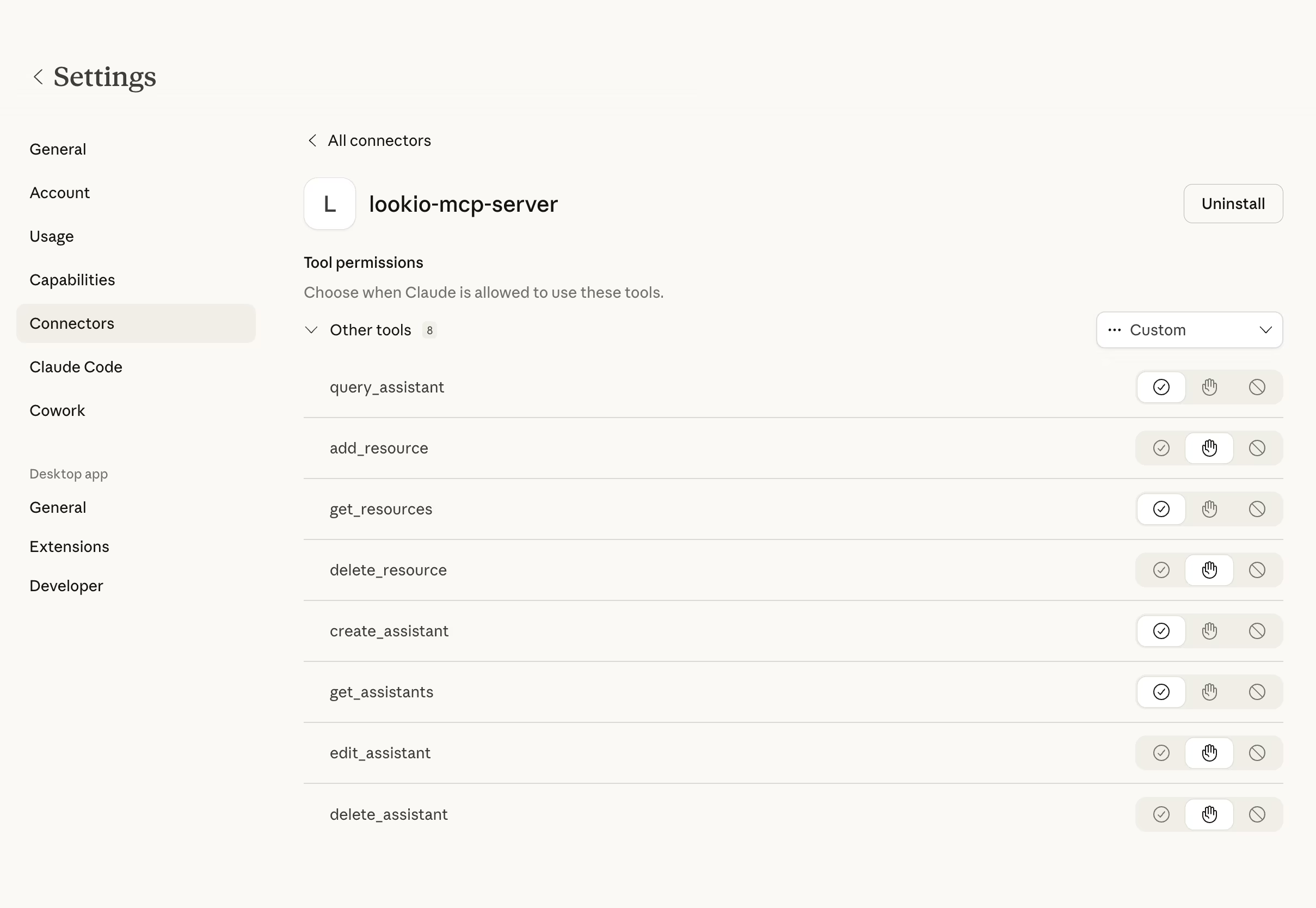
- **Lookio MCP Server**: `query_assistant` tool enabled.
- **File Access**: To read the client's `.pdf` or `.docx` contract.

## ⚡ Trigger Rules
- **USE this skill when**: You are presented with a technical or commercial contract that follows a standard legal structure (Liability, Governing Law, Data Processing).
- **AVOID this skill if**: The document is a non-standard letter, a simple PO, or does not contain formal legal clauses.

## 📝 Instructions & Workflow
1. **Document Structure Analysis**: Read the provided client contract to identify the locations of the 3 primary audit categories: (1) Limitation of Liability, (2) Indemnification, (3) Data Privacy/GDPR.
2. **Execute Multi-Clause Audit**: Against the Lookio Legal Playbook Assistant ID: [ID], perform the following sequential audits using `query_mode: "deep"`.
   - **Audit 1: Liability**: "Review the client's liability clause: [Extract Text]. Does it exceed our internal absolute liability cap of [X]? Is there an uncapped liability risk for negligence? Report result."
   - **Audit 2: Jurisdiction**: "The client requests jurisdiction in [Insert State/Country]. Is this a permitted jurisdiction for us to operate under? Report result."
3. **Verify Compliance with Privacy (GDPR)**: Check if the client's DPA language matches or exceeds our mandatory internal data processing requirements.
4. **Compile the Flag Log**: For each non-compliant clause, note the exact line number and the specific internal policy it violates.
5. **Output Delivery**: Generate a Markdown table `Legal_Audit_[ClientName].md` listing each clause, its status (Pass/Risk), and the Lookio reason.

## 🛡️ Guidelines & Constraints
- **Zero Hallucination Policy**: If Lookio says "Not mentioned in playbook," flag it as `Unverified - Require Counsel`.
- **Verbal Exactness**: Record the exact text of offending clauses to help the legal team correctly redline the document.